Audio diagnostic guide
Bluetooth Sound Gets Worse When the Microphone Turns On
Published by MASHFiX Computer Repair and Data Recovery ·
Clear music can turn thin or muffled when a meeting opens the headset microphone. Separate Bluetooth audio modes from a broken speaker or internet problem.
Compare the same headset playing a local audio sample before and during microphone use. Note the selected speaker and microphone in both Windows and the meeting app.
What this symptom can mean
Playback-only audio and two-way voice communication can use different Bluetooth modes and bandwidth. Hardware, drivers, Windows support and the headset determine what is available. Compatible Bluetooth LE Audio systems can improve microphone-use playback quality, but support must exist across the complete connection.
Quality changes only when the headset mic activates
This pattern points toward the communication path. It does not by itself establish damaged speakers.
A separate microphone restores clear playback
That comparison helps isolate the headset’s two-way audio behavior from the music file or connection to the meeting service.
The problem also occurs with a wired headset
Investigate app processing, selected endpoints and system audio rather than assuming a Bluetooth-only limitation.
Safe checks before service
- Use a harmless local sound sample for repeatable comparison.
- Check meeting-app input/output selections instead of only the Windows defaults.
- Compare a built-in microphone or known-good wired headset if available.
- Record headset model, Windows version and whether the computer supports LE Audio.
Do not download generic driver packs or disable security controls to improve sound. Avoid deleting every audio device before documenting the working setup.
What professional diagnosis should separate
- 01
Endpoint selection
Separate headset speakers, headset microphone and other installed audio devices.
- 02
Supported features
Verify headset, Bluetooth adapter, OS and driver compatibility rather than relying on a marketing version number.
- 03
Call acceptance
Test speech and playback together in the actual meeting app after changes.
Choose a practical meeting setup
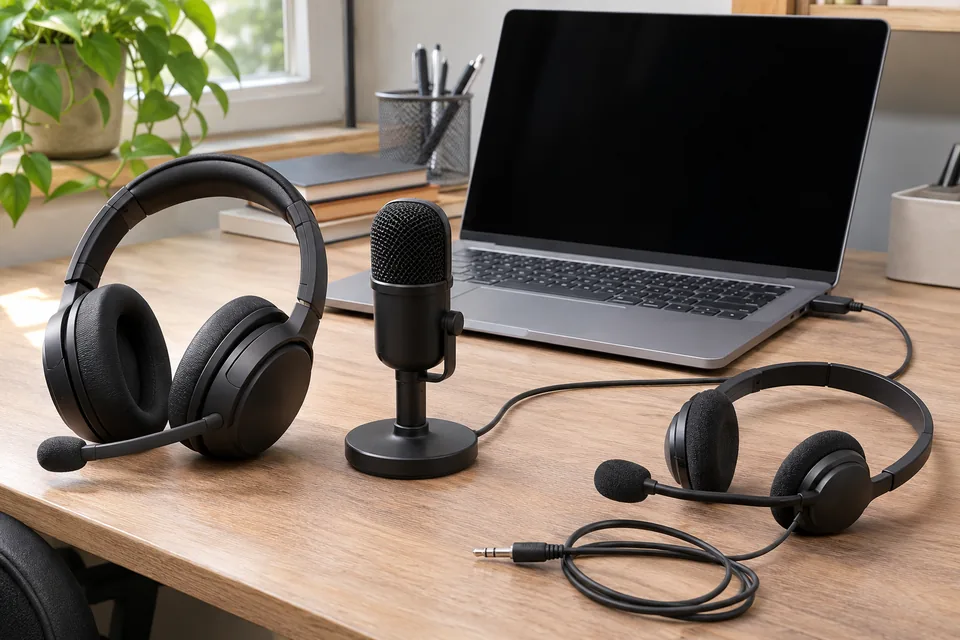
For a desk used for long calls, a wired headset, USB audio device or separate microphone may be a simpler solution than replacing a working laptop. Test the intended combination before buying.
Mashfix can evaluate device selection and compatible drivers. Bring the headset and describe when the change begins. Internet speed testing alone cannot establish why local playback changes when a microphone is opened.
Use a test meeting without customer discussions or confidential recordings. No passwords or meeting contents belong in a diagnostic note.
Common questions
Answers before you approve a repair
Does muffled call audio prove the headset is damaged?
No. A change in the two-way audio path can produce this symptom.
Will a newer Bluetooth adapter always fix it?
No. The headset, software and supported audio features must work together.
Need help in DFW? Compare the Dallas shop and Fort Worth shop at Suite 100, or review scheduled home and office visits. We confirm the service path, scope and timing before booking.
Product guidance and references
These technical resources explain the referenced behavior. Your device and situation still need their own assessment.