Storage performance diagnostic guide
External SSD Transfers Slowly: Cable or Drive?
Published by MASHFiX Computer Repair and Data Recovery ·
Compare the complete connection and workload before blaming a portable SSD or running a write-heavy benchmark on valuable data.
If the drive disconnects, produces read errors or suddenly becomes unreliable, stop speed testing. If it is stable, record the drive, cable, computer port and type of copy that is slow.
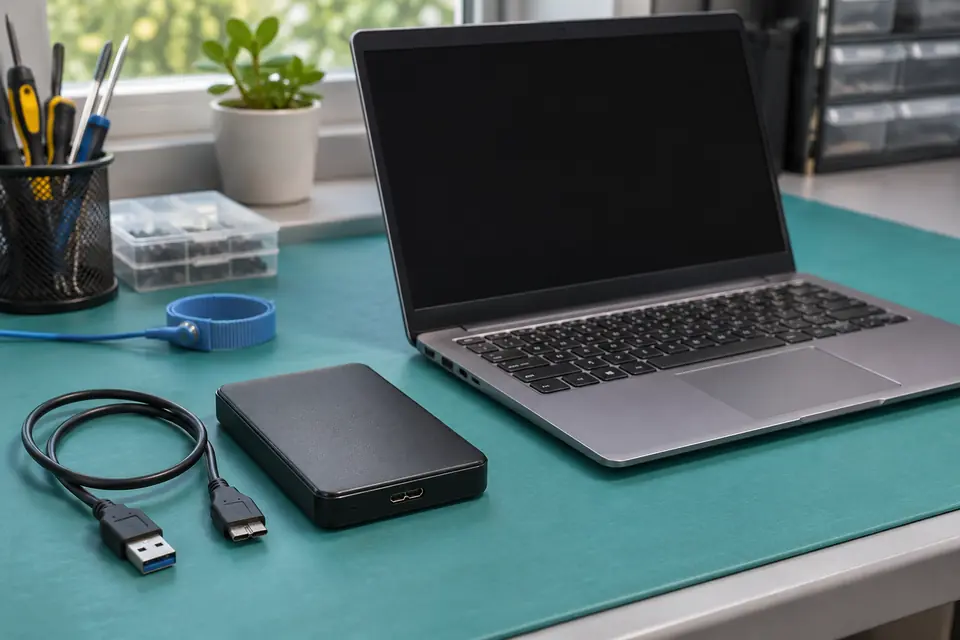
What this symptom can mean
The connector shape alone does not establish the supported data rate. The host port, cable, enclosure and SSD must support the relevant connection together. Many small files and one large file also produce different copy behavior, so unlike tests can create misleading comparisons.
It is slow only through a hub
The hub and shared path deserve comparison. Test a supported direct connection using the appropriate cable without changing the drive contents.
It slows down or fails on every connection
Media condition, enclosure behavior, temperature and the source or destination may need review. A sustained slowdown and repeated read errors should not be treated as the same problem.
Safe checks before service
- Check the exact port and drive specifications rather than relying on USB-C branding alone.
- Use the drive's supplied or explicitly suitable data cable.
- Record the source, destination and workload; protect important files before any benchmark or firmware change.
Do not reformat to chase an advertised speed, repeatedly fill the drive or run stress tests against the only copy of important files. Rated interface speeds are not guaranteed real-world copy results.
What professional diagnosis should separate
- 01
Map the connection
Mashfix can compare supported host, cable and enclosure combinations.
- 02
Check for failure symptoms
Unstable media changes the work from performance tuning to data preservation.
- 03
Repeat a relevant comparison
After approved changes, compare the same safe workload on the same source and destination and document what changed.
What to bring for evaluation
Bring the SSD, enclosure if separate, supplied cable and any adapter used when the symptom occurs. Note whether it was always this speed or changed recently. Include whether files merely copy slowly or actually fail to open.
Mashfix can assess supported storage and computer connections. The result may be a compatibility explanation rather than a broken SSD. Recovery is a separate path when the device is unreliable, and no advertised transfer rate is promised.
Keep recovery output and benchmarks off an unstable original source. Prioritize the files and verify another copy before changing the storage setup.
Common questions
Answers before you approve a repair
Does USB-C guarantee the fastest speed?
No. Connector shape and supported protocol or data rate are separate specifications.
Should I buy a new SSD first?
Not before checking the host, cable, enclosure and workload. A new drive can inherit the same connection limit.
Need help in DFW? Compare the Dallas shop and Fort Worth shop at Suite 100, or review scheduled home and office visits. We confirm the service path, scope and timing before booking.
Product guidance and references
These technical resources explain the referenced behavior. Your device and situation still need their own assessment.