Gaming PC diagnostic guide
Before a GPU Upgrade: Case Space, Power and Connectors
Published by MASHFiX Computer Repair and Data Recovery ·
Check exact graphics-card dimensions, power supply and connector clearance before buying. A compatible expansion slot alone does not establish a safe fit.
Record the full proposed card model, case model and PSU model. Different cards using the same graphics chip can have different dimensions and power requirements.
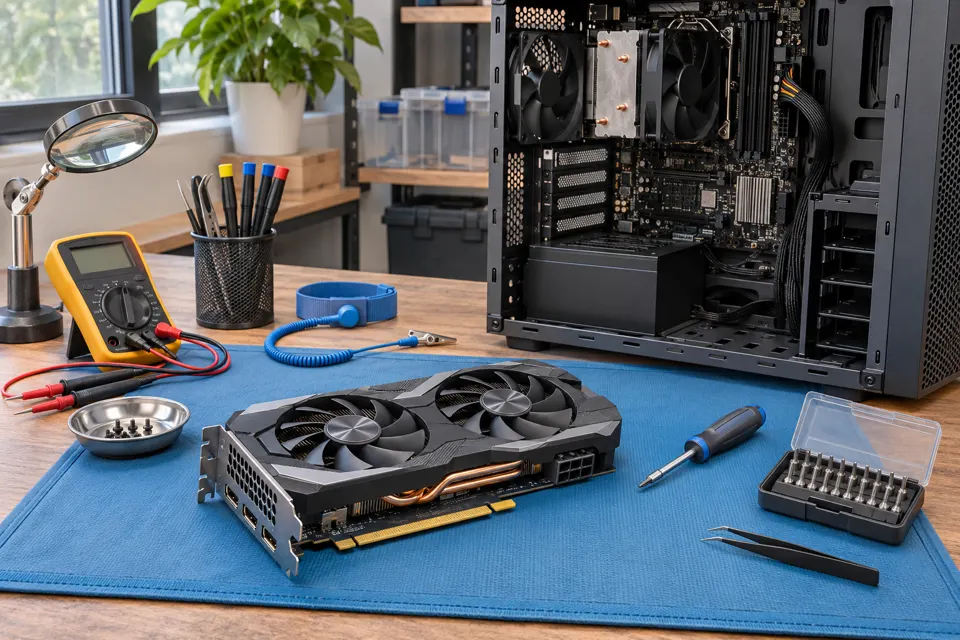
What this symptom can mean
An upgrade may be electrically compatible yet obstruct a radiator, block expansion slots or leave insufficient space for the power cable. Total PSU wattage alone does not establish connector availability or suitability. The card maker’s instructions and the PSU manufacturer’s compatible cable information take priority over connector appearance.
The card touches the front radiator
Usable clearance is the remaining space in this particular build, not the case’s maximum figure with other components removed.
The connector fits only with a sharp bend
Cable exit space and side-panel clearance matter. Follow the exact connector instructions rather than closing the panel under pressure.
The old PSU has enough advertised watts
Age, condition, available outputs and manufacturer requirements still need review. Never substitute a modular cable just because its plug fits.
Safe checks before service
- Compare exact board dimensions with the assembled case layout.
- Check PSU model and required connections against both manufacturers’ documents.
- Confirm that the display cable can connect to the new card.
- Keep the existing stable configuration until the upgrade plan is confirmed.
Do not open a PSU or improvise adapters to overcome an incompatible power arrangement. Stop if a connector is discolored, loose, melted or unusually hot.
What professional diagnosis should separate
- 01
Mechanical fit
Review slots, airflow, mounting, support and cable routing in the assembled case.
- 02
Power arrangement
Check the PSU and manufacturer-approved connector path for this exact card.
- 03
Post-install validation
Confirm display output and drivers, then test the intended workload while monitoring stability and cooling.
Define the result you want
Give the technician the games or applications you use, display resolution and existing CPU/RAM details. A more expensive card cannot remove every CPU, memory, network or software limitation.
An upgrade quote should distinguish a card swap from any required PSU, case or cooling work. Mashfix can assess compatibility and installation needs; a specific frame-rate increase is not promised before the complete system and workload are understood.
Back up important files before hardware work. A GPU installation normally should not require erasing storage; any additional software or recovery work needs its own explanation.
Common questions
Answers before you approve a repair
Can two cards with the same chip fit differently?
Yes. Partner models can vary in length, thickness, cooler and power connections.
Can I reuse any modular PSU cable?
No. Use only cables explicitly compatible with the PSU and intended connection.
Need help in DFW? Compare the Dallas shop and Fort Worth shop at Suite 100, or review scheduled home and office visits. We confirm the service path, scope and timing before booking.
Product guidance and references
These technical resources explain the referenced behavior. Your device and situation still need their own assessment.