Printer diagnostic guide
Inkjet Prints Horizontal Bands: Compare a Diagnostic Page
Published by MASHFiX Computer Repair and Data Recovery ·
White bands or streaked color need a print-quality check. Compare the printer's own pattern before replacing supplies or repeating cleaning cycles.
Keep one example print and run the exact model's supported print-quality or nozzle-check page. Note which colors or pattern lines are missing.
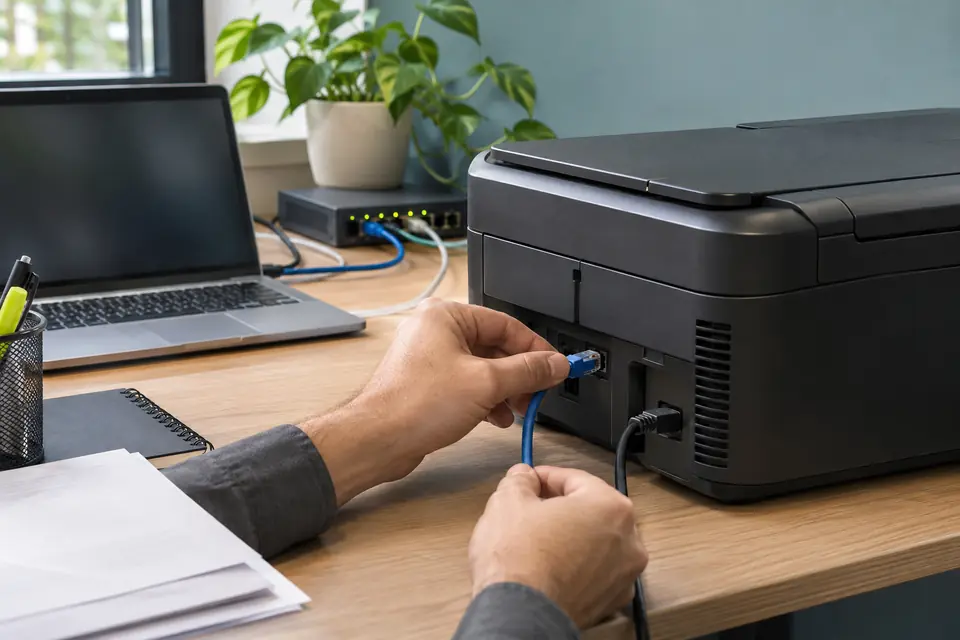
What this symptom can mean
A streaked inkjet print can involve ink delivery, nozzle condition, alignment, paper or job settings. Missing marks in a printer-generated pattern provide different evidence from a band visible only in one image file. Inkjet procedures also differ from laser-printer maintenance, so identify the technology and model first.
The same color is incomplete in the diagnostic pattern
Follow the manufacturer's sequence for that model. A cartridge, printhead or ink-delivery issue may need attention, but the pattern should guide the next step.
The pattern is clean but the document has bands
Check the file, print quality and correct paper setting. Compare a second non-sensitive document before treating the printer as a hardware failure.
Safe checks before service
- Use paper supported by the printer and load its printable side correctly.
- Record supply messages and whether the printer sat unused.
- Compare the manufacturer's diagnostic pattern before and after an allowed maintenance step.
- Retain the original image or document without editing it to hide the bands.
Repeated deep cleaning consumes ink and may not fix worn or failed hardware. Do not soak the assembled printer, inject solvent into ink lines or wipe internal parts unless the exact manual permits that procedure.
What professional diagnosis should separate
- 01
Document the print defect
Mashfix can compare job output and printer-generated patterns to narrow the fault.
- 02
Review supply and media compatibility
Paper, print settings and the correct consumables are checked before another part is ordered.
- 03
Choose repair or replacement practically
Some printheads or feed components may be uneconomical or unavailable. The recommendation should explain that limit and the evidence supporting it.
Prepare for a printer assessment
Provide the printer model, supply type and a description of the pattern when contacting Mashfix. Explain whether the issue affects PC printing, copying or both. For larger Dallas or Fort Worth office equipment, ask whether an onsite evaluation fits the machine and problem before transporting it.
Test with a blank or non-sensitive page. Office print queues and scanned records can contain private data, so keep customer documents out of routine diagnostic examples.
Common questions
Answers before you approve a repair
Are horizontal bands always a clogged printhead?
No. A print-quality pattern, media settings and the exact model help distinguish several possibilities.
Does the scanner glass cause bands on a document printed from a PC?
A PC print job does not pass through the scanner glass. Scanner contamination can affect copies and scans, which is a separate comparison.
Visit a DFW repair shop
- Arlington603 Causley Ave
Arlington, TX 76010 - Dallas4323 W Illinois Ave, Suite 104
Dallas, TX 75211 - Euless1001 W Euless Blvd, Suite 417
Euless, TX 76040 - Fort Worth6800 Randol Mill Rd, Suite 100
Fort Worth, TX 76120 - Grand Prairie207 Clarice St
Grand Prairie, TX 75051 - Irving4324 N Belt Line Rd, Suite C103
Irving, TX 75038
Product guidance and references
These technical resources explain the referenced behavior. Your device and situation still need their own assessment.