Laptop diagnostic guide
Keyboard Repeats Letters From One Press: Setting or Fault?
Published by MASHFiX Computer Repair and Data Recovery ·
Unexpected repeated letters can involve a sticking key, repeat settings, a wireless connection or one application. Compare carefully before replacing the keyboard.
Use a blank local document without passwords or personal data. Note whether a quick tap produces two characters, a held key repeats too fast, or typing continues after release.
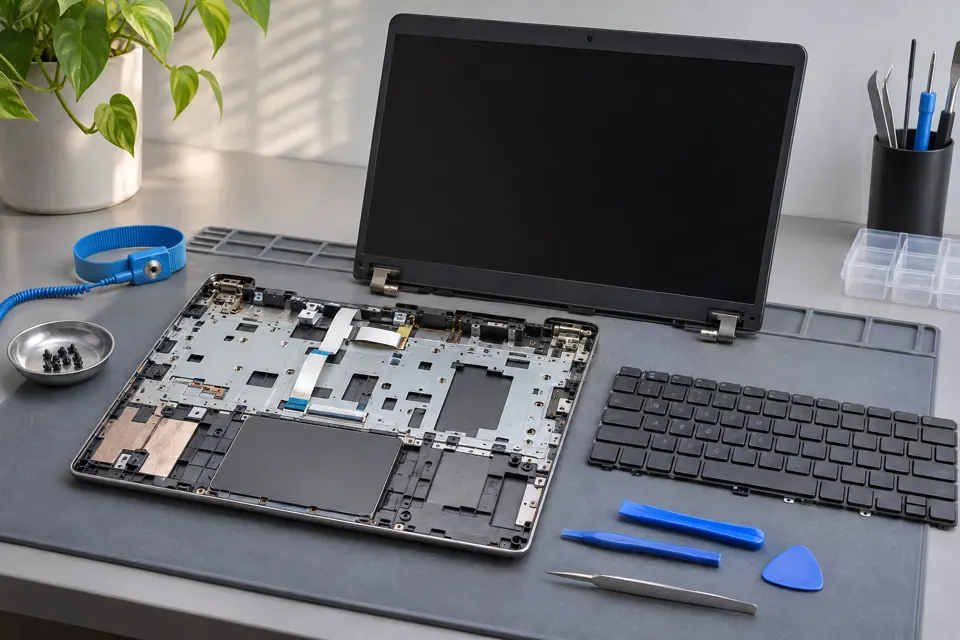
What this symptom can mean
Normal key repeat begins when a key is held. Unexpected duplicate characters from a brief press can have a different cause. A mechanical switch, contamination, connection issue or application-specific input behavior may be involved. The exact pattern matters more than a broad description that the keyboard is bad.
Every held key repeats too quickly
Review the available Windows repeat controls and accessibility settings. Keep a record of the original values. Menu locations can change between Windows releases.
One key repeats after a quick tap
Compare another simple application and a compatible external keyboard. If the symptom follows only the built-in keyboard, hardware inspection may be appropriate. That comparison still does not identify the exact damaged component.
Safe checks before service
- Save work before reconnecting a keyboard or restarting.
- For a wireless keyboard, check the maker's battery and receiver guidance.
- Compare quick taps with a held key and record the distinction.
- Mention any spill, dropped object or recent keyboard repair.
Laptop keycap mechanisms are fragile and model-specific. Avoid spraying liquid into the keyboard. If the laptop is wet, becomes hot or its case is lifting, stop and arrange evaluation.
What professional diagnosis should separate
- 01
Reproduce the input pattern
Mashfix can compare taps, held keys and release behavior in a controlled local test.
- 02
Separate keyboard and software paths
An external keyboard and another application help isolate the symptom without immediately ordering a top case.
- 03
Define repair scope
Connector, keyboard and top-case work vary by model. Any part recommendation should explain the evidence and expected validation.
Bring the keyboard that shows the problem
For a laptop, include the charger and any external keyboard or receiver used when the problem occurs. Tell Mashfix whether the symptom affects all programs. A short description of the pattern helps plan service at a DFW shop without sharing your passwords.
Unexpected repeated keys can submit a form or alter a document. Keep test text separate from live business systems and avoid troubleshooting inside a password field.
Common questions
Answers before you approve a repair
Will changing the keyboard layout stop double letters?
Layout primarily changes which character a key represents. Repeated input needs its own comparison.
Can a wireless receiver cause repeat problems?
Connection behavior can matter on some models. Follow the exact keyboard manufacturer's guidance and compare a direct supported setup.
Visit a DFW repair shop
- Arlington603 Causley Ave
Arlington, TX 76010 - Dallas4323 W Illinois Ave, Suite 104
Dallas, TX 75211 - Euless1001 W Euless Blvd, Suite 417
Euless, TX 76040 - Fort Worth6800 Randol Mill Rd, Suite 100
Fort Worth, TX 76120 - Grand Prairie207 Clarice St
Grand Prairie, TX 75051 - Irving4324 N Belt Line Rd, Suite C103
Irving, TX 75038
Product guidance and references
These technical resources explain the referenced behavior. Your device and situation still need their own assessment.