Laptop diagnostic guide
Keyboard Types the Wrong Characters: Check the Layout
Published by MASHFiX Computer Repair and Data Recovery ·
When working keys produce the wrong symbols or letters, compare the selected keyboard layout, app behavior and physical keyboard before replacing parts.
Try a short non-sensitive sample in a plain text app. Record which key you pressed and what appeared. Do not use a password field as your test.
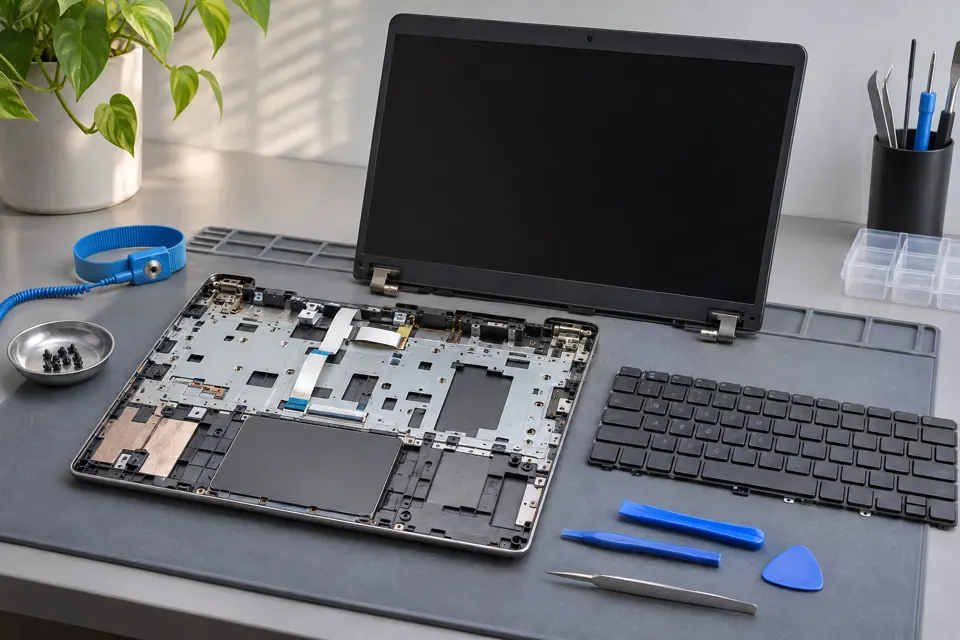
What this symptom can mean
A different input layout can map a working key to another character. Dead-key layouts may wait for a second keystroke to create an accented character. Some compact keyboards also have a numeric layer. Random extra presses, stuck modifiers or liquid damage require a different hardware assessment.
Symbols consistently trade places
A predictable pattern such as swapped punctuation is a useful reason to compare the selected layout with the printed keycaps.
Letters become numbers on part of a compact keyboard
Check the model’s numeric-layer controls. Do not assume the keyboard matrix has failed.
Characters repeat or appear without a keypress
Stuck keys, contamination, connection problems or other input devices need attention. A layout change alone does not explain every random input.
Safe checks before service
- Check the input-language indicator and intended layout in Windows settings.
- Use Windows key plus Space to compare installed layouts where available.
- Compare a known-good external keyboard in the same text app.
- Check whether the issue occurs in one app or throughout normal typing.
If liquid exposure, swelling or heat is present, stop powered testing. Avoid pulling laptop keycaps or spraying cleaner into the assembly.
What professional diagnosis should separate
- 01
Input configuration
Compare language, layout, accessibility settings and application shortcuts.
- 02
Keyboard behavior
Reproduce a small set of affected keys and compare an external input device.
- 03
Hardware inspection
Inspect connectors and the assembly when symptoms remain after settings are verified.
Make the test meaningful
A replacement keyboard with different regional keycaps can still use the wrong software layout. Tell the technician which language and physical layout you want at handoff.
Mashfix can distinguish configuration work from a keyboard or top-case repair. Documenting ten affected keys with their outputs is usually more useful than saying that every key is broken. Keep private documents out of the test.
Keyboard testing does not require personal messages or passwords. Save open work before restarting or changing input settings.
Common questions
Answers before you approve a repair
Should I replace a keyboard that swaps punctuation?
Check layout settings first; predictable remapping can be a configuration issue.
Does an external keyboard rule out all hardware faults?
No. It is a useful comparison, but the internal keyboard path still needs assessment.
Need help in DFW? Compare the Dallas shop and Fort Worth shop at Suite 100, or review scheduled home and office visits. We confirm the service path, scope and timing before booking.
Product guidance and references
These technical resources explain the referenced behavior. Your device and situation still need their own assessment.