Display diagnostic guide
Laptop Brightness Changes on Battery: Setting or Screen Fault?
Published by MASHFiX Computer Repair and Data Recovery ·
Some Windows laptops change brightness with lighting, content or battery use. Compare that behavior before replacing a screen that still displays a normal image.
Keep one ordinary document open and compare the same brightness setting on battery and compatible AC power. Note whether the change follows screen content, room light or a power transition.
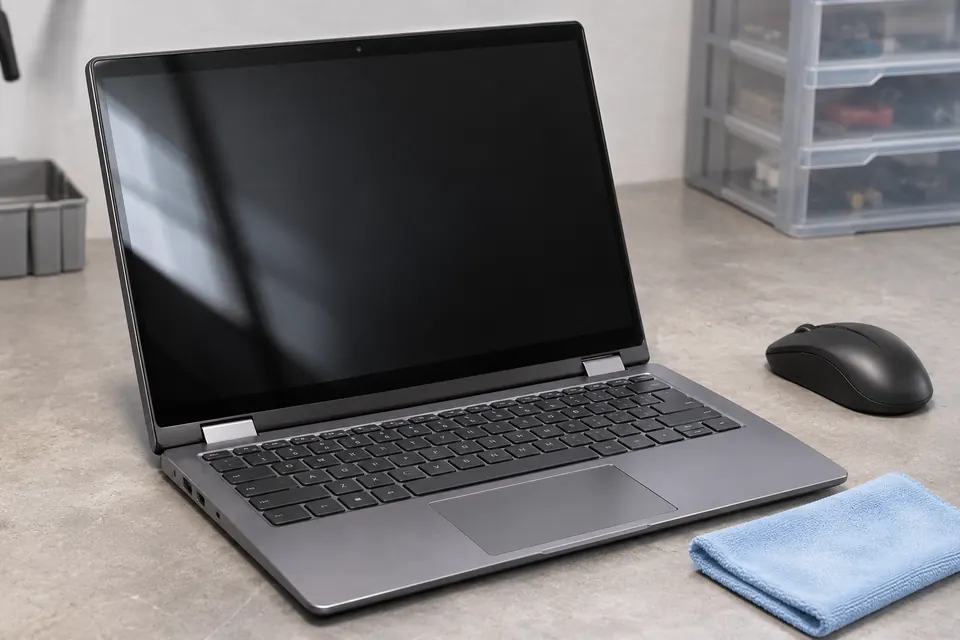
What this symptom can mean
Supported laptops may use ambient-light sensing, content-adaptive brightness or power-saving controls. These affect the displayed picture without necessarily indicating panel damage. Sudden blackouts, colored lines or flicker are separate symptoms that deserve their own evaluation.
Dark and light documents change the picture
Content-adaptive control may be relevant on supported Windows models. Check the available brightness options and record the current value before adjusting it.
The screen becomes dim only after unplugging
Compare battery-saving and display settings. HDR behavior and manufacturer power software can also affect the picture, so confirm which feature is actually active.
Safe checks before service
- Save the current display settings before changing them.
- Compare the same content in the same room lighting.
- Check only options present for your model and Windows version.
- Record whether an external screen behaves differently, without assuming that settles the internal panel diagnosis.
Screen cables and hinges are fragile. A brightness slider cannot repair physical damage, but opening the laptop before making basic comparisons creates unnecessary risk.
What professional diagnosis should separate
- 01
Identify the trigger
Mashfix can distinguish a controlled brightness change from image loss or unstable backlight behavior.
- 02
Review supported display controls
The assessment checks Windows and model-specific settings without applying an unrelated driver package.
- 03
Check the result in normal use
Repeat the original AC/battery and content transitions, keeping text comfortable to read.
Describe the visible change
Tell Mashfix whether the screen becomes darker, changes contrast, flickers or goes completely blank. Include the power condition and application involved. A precise description helps determine whether a settings review or physical display evaluation is appropriate.
Save work before unplugging power if battery reliability is uncertain. A laptop that shuts down on battery needs a power evaluation before display comparisons.
Common questions
Answers before you approve a repair
Is content-adaptive brightness always available?
No. Options depend on hardware and Windows support. A missing control does not establish a fault.
Does disabling automatic brightness damage the screen?
A supported user setting changes brightness behavior. It may affect battery life, so choose it for your working needs.
Visit a DFW repair shop
- Arlington603 Causley Ave
Arlington, TX 76010 - Dallas4323 W Illinois Ave, Suite 104
Dallas, TX 75211 - Euless1001 W Euless Blvd, Suite 417
Euless, TX 76040 - Fort Worth6800 Randol Mill Rd, Suite 100
Fort Worth, TX 76120 - Grand Prairie207 Clarice St
Grand Prairie, TX 75051 - Irving4324 N Belt Line Rd, Suite C103
Irving, TX 75038
Product guidance and references
These technical resources explain the referenced behavior. Your device and situation still need their own assessment.