Business IT diagnostic guide
Laptop Camera Not Working for Video Calls
Published by MASHFiX Computer Repair and Data Recovery ·
Distinguish a camera permission, meeting-app or hardware problem before replacing a laptop webcam. Safe checks for home and office users.
Check the physical privacy shutter or camera key, then try the built-in Camera app without joining a meeting.
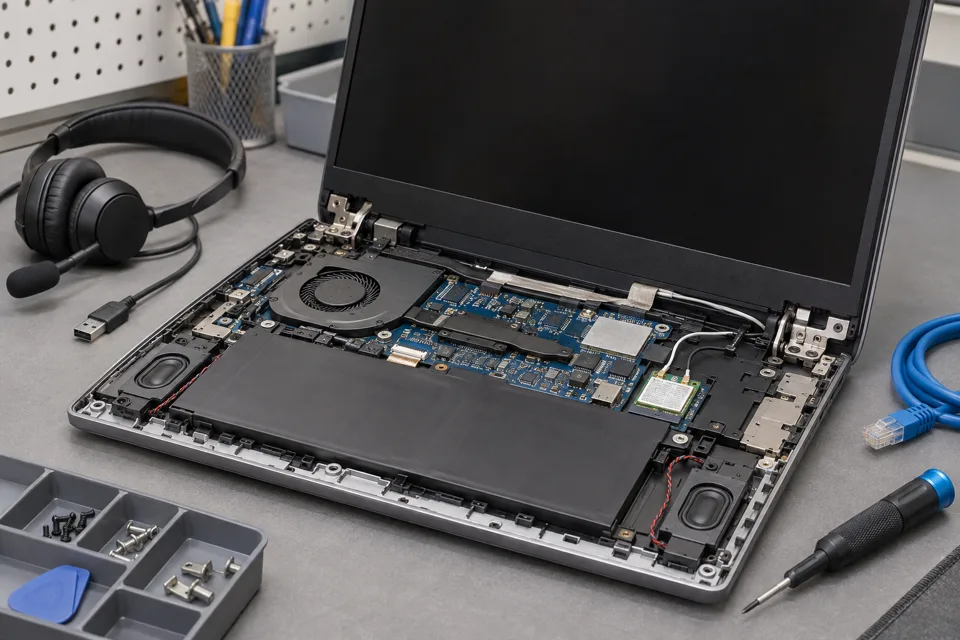
What this symptom can mean
A black preview, a missing camera and an access-denied message are different symptoms. App permissions, another app using the camera, a disconnected cable or a failed module can each prevent video.
Works in Camera but not meetings
Review the selected camera and permissions in the meeting app or browser. This points toward the application path rather than immediate module replacement.
Blocked by your organization
A managed privacy setting may require your IT administrator. Do not bypass the policy to make a meeting work.
Fails when the lid moves
Record the behavior without repeatedly bending the display. A cable or hinge-area issue needs physical inspection.
Safe checks before service
- Close other video apps and restart the computer once after saving work.
- Select the intended camera when an external webcam or dock is present.
- Review Windows camera access for the app you trust.
- For an external camera, compare a direct USB port with the dock connection.
Do not disable antivirus or organization-wide privacy controls simply to test a camera. Never send private video or meeting screenshots with the request.
What professional diagnosis should separate
- 01
Separate app and device
Mashfix can compare a local preview with the affected application.
- 02
Check detection
Supported drivers, privacy settings and device enumeration are reviewed.
- 03
Inspect the physical path
Camera module, cable routing and hinge damage are considered if software access is correct but the device remains absent.
Preparing an office support visit
Describe whether one person or several are affected, whether the problem began after a policy change, and whether a USB camera works. Dallas and Fort Worth offices can discuss scheduled onsite support when the original desk, dock or network context matters.
You can use a non-sensitive test call or local preview for verification. Repair does not require exposing an actual client meeting. Confirm camera, microphone and speaker operation separately before considering the conference setup ready.
Tell Mashfix which files are irreplaceable before authorizing changes. Keep a separate verified backup when the computer can be used safely; stop copying if storage disconnects, clicks or produces read errors. Never place passwords or recovery keys in a public request.
Common questions
Answers before you approve a repair
Should I buy a new screen because the webcam stopped working?
Not without assessment. Some cameras are part of a display assembly, but permissions, software and cable problems should be separated first.
Need help in DFW? Compare the Dallas shop and Fort Worth shop at Suite 100, or review scheduled home and office visits. We confirm the service path, scope and timing before booking.
Product guidance and references
These manufacturer resources explain the referenced product behavior. Your model and condition still need their own assessment.