Laptop diagnostic guide
Laptop Fan Grinding or Rattling: Cleaning or Replacement?
Published by MASHFiX Computer Repair and Data Recovery ·
A rough mechanical noise needs different checks from normal fan speed. Separate obstruction, fan wear and other noise before ordering cooling parts.
Stop demanding tasks. If there is unusual heat, a fan warning, a burning smell or repeated shutdowns, power off and arrange assessment instead of running a stress test.
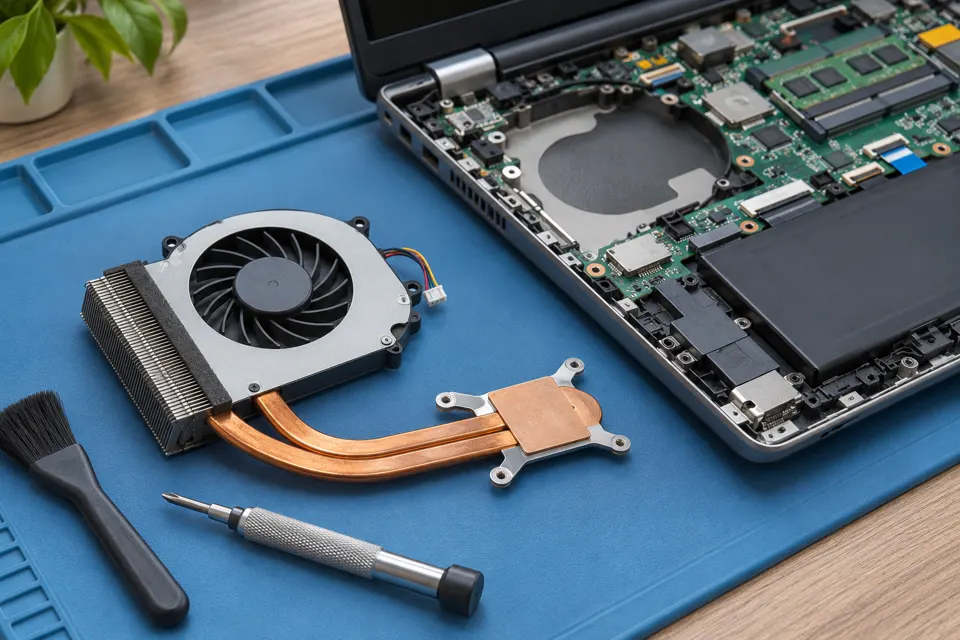
What this symptom can mean
Fan speed can rise normally with workload, but scraping or rattling can involve debris, a damaged blade, bearing wear or contact with nearby material. Noise may also come from a drive or another component. Thermal paste does not repair a mechanically damaged fan.
Smooth airflow increases during work
Check workload and ventilation. High speed alone is different from a grinding sound.
A rough sound appears even at light load
Fan condition, mounting and obstruction deserve inspection. Do not keep tapping the chassis to quiet it.
Noise comes with storage errors
Treat a possible drive fault as a data-priority issue rather than assuming every noise is the fan.
Safe checks before service
- Use the laptop on a firm surface with vents unobstructed.
- Note whether the sound began after a drop, transport or earlier service.
- Describe the location and timing without opening a powered device.
- Follow exact manufacturer guidance for external vent cleaning; avoid spraying liquids into the machine.
A temporary quiet fan is not proof of a reliable repair. Internal work needs safe power isolation and the correct replacement assembly. Stop use if cooling has failed.
What professional diagnosis should separate
- 01
Identify the source
Mashfix can distinguish fan friction from drive, adapter or other noise.
- 02
Inspect the cooling path
Fan movement, wiring, mounting, fins and heatsink condition are checked as appropriate.
- 03
Verify the result
After approved cleaning or part work, normal fan control and representative workload temperatures should be checked.
What a cooling quote should explain
Ask whether the finding is dust restriction, a faulty fan, heatsink contact or more than one issue. A replacement fan should match the model and connector. Some systems combine fans with a larger assembly, affecting the repair scope.
If thermal-material replacement is recommended too, ask which observation supports it. Cleaning and paste can be useful maintenance, but should not be sold as proof that a grinding fan is fixed. Bring the charger and describe your normal workload so the retest can reflect the original complaint. Timing and part availability are confirmed after evaluation.
Back up a stable laptop when safe. If the noise may be a failing hard drive or the machine shuts down unexpectedly, avoid prolonged copy or diagnostic attempts until the risk is assessed.
Common questions
Answers before you approve a repair
Will thermal paste stop grinding?
No. It affects heat transfer, not the mechanical condition of the fan. The noise source should be identified first.
Need help in DFW? Compare the Dallas shop and Fort Worth shop at Suite 100, or review scheduled home and office visits. We confirm the service path, scope and timing before booking.
Product guidance and references
These technical resources explain the referenced behavior. Your device and situation still need their own assessment.