Mac diagnostic guide
Mac Reads an NTFS Drive but Cannot Save to It
Published by MASHFiX Computer Repair and Data Recovery ·
A Windows-formatted NTFS drive may open on a Mac while rejecting new files. Confirm its format and preserve existing data before considering changes.
Check the drive's format in its information or Disk Utility view without clicking Erase. If existing files open, copy important ones to separate safe storage before planning a format change.
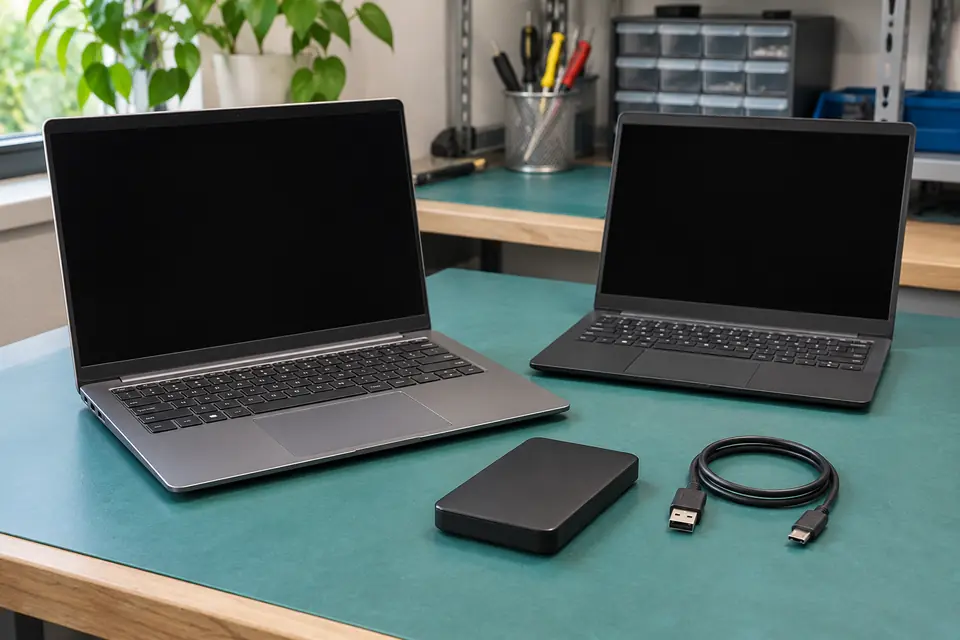
What this symptom can mean
Reading and writing are separate capabilities. macOS may read an NTFS volume while its built-in tools do not provide ordinary write support. That behavior differs from a full drive, a damaged connection or a media failure that switches a device into a protective read-only state. Confirm the format rather than assuming a permissions change will solve it.
It writes normally on Windows but not on the Mac
If the drive is NTFS, cross-platform filesystem support is a relevant explanation. Decide where the drive will be used before changing its format.
It cannot be written on either computer
Check free space and the actual error, and treat new disconnects or unreadable files as a storage concern. Do not assume NTFS explains every read-only symptom.
Safe checks before service
- Inspect format and free space without changing partitions.
- Verify that a copy of needed files opens on separate storage.
- List which Macs, Windows PCs or other devices need access.
- Check the requirements of any backup software before choosing a filesystem.
Do not erase the only copy to gain write access. Avoid installing an unknown filesystem driver from a pop-up or applying broad permissions changes to a drive you have not identified.
What professional diagnosis should separate
- 01
Separate compatibility from a failing drive
Mashfix can compare the format, error messages and behavior on supported systems.
- 02
Plan a safe transfer
If a format change is appropriate, preserve files on a separate destination and verify the copy first.
- 03
Test the intended workflow
After the agreed setup, confirm read and write operations on the actual devices and applications. A format suitable for sharing may not fit every backup workflow.
Choose the service path around the files
Tell Mashfix whether this is a one-time transfer, a shared work drive or an existing backup. Include the computer platforms and approximate data size. The evaluation can then focus on a practical transfer plan rather than erasing a readable disk prematurely.
Keep the original drive until the copied files have been checked and the replacement workflow is established. Encryption keys and backup history need their own preservation plan.
Common questions
Answers before you approve a repair
Can I fix NTFS compatibility by changing Finder permissions?
A filesystem write-support limit is different from ordinary file permissions. Identify the reason for the restriction first.
Is exFAT always the best choice?
It can suit some cross-platform transfers, but backup tools, device support and file-use requirements must be considered. Choose for the actual workflow.
Visit a DFW repair shop
- Arlington603 Causley Ave
Arlington, TX 76010 - Dallas4323 W Illinois Ave, Suite 104
Dallas, TX 75211 - Euless1001 W Euless Blvd, Suite 417
Euless, TX 76040 - Fort Worth6800 Randol Mill Rd, Suite 100
Fort Worth, TX 76120 - Grand Prairie207 Clarice St
Grand Prairie, TX 75051 - Irving4324 N Belt Line Rd, Suite C103
Irving, TX 75038
Product guidance and references
These technical resources explain the referenced behavior. Your device and situation still need their own assessment.