Computer security diagnostic guide
Opened a Suspicious Attachment? Separate Device and Account Risk
Published by MASHFiX Computer Repair and Data Recovery ·
Respond to an opened download or phishing attachment by containing possible device activity and protecting accounts through a separate trusted device.
Stop interacting with the message or downloaded file. If you ran a suspicious program or see unexplained activity, disconnect the affected computer from Wi-Fi and Ethernet. For a work computer, contact the authorized IT team promptly using another trusted device.
What this symptom can mean
Opening an email, entering a password on a fake website and running an attached program create different risks. A clean-looking desktop does not rule out compromise, and a suspicious message does not prove malware executed. Record what actually happened so the response addresses both account access and the computer where appropriate.
You entered a password on a linked page
Use the account provider's official site from a trusted device to secure the account, review recovery details and revoke unfamiliar sessions where supported. A local malware scan cannot undo stolen account credentials.
You opened or installed a downloaded file
Do not reopen it to see what it does. Note the name, time and any permission prompts. The computer may need malware assessment even if no obvious warning remains.
It involves employer, banking or customer information
Notify the responsible organization through a known contact route. Business incident response, financial reporting and account recovery can require actions beyond a computer-cleanup service.
Safe checks before service
- Write down the timeline and whether you entered credentials, enabled content, approved administrator access or installed software.
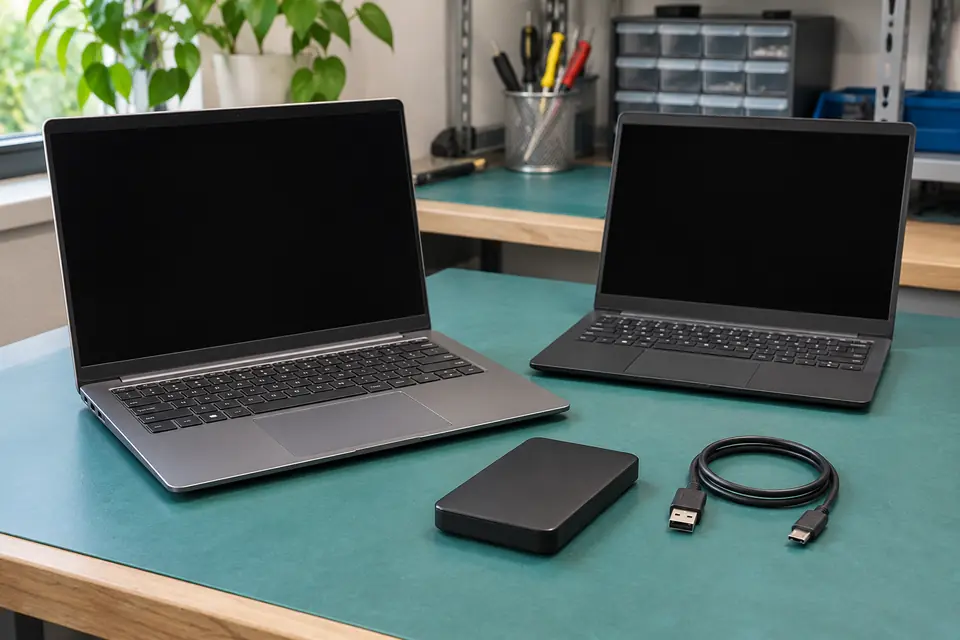
- Use a separate trusted device for account security changes and official provider guidance.
- Preserve the message and relevant evidence for the authorized IT contact without forwarding an active attachment casually to other people.
- Keep backup drives disconnected from the suspect computer. If files become encrypted or renamed, stop ordinary cleanup and request a data-aware response.
Use known contact details rather than numbers or remote-control links from the suspicious message. Do not pay a pop-up demand, disable security tools, grant unknown remote access or upload confidential files to an unverified scanner. Work devices may need evidence preserved before scanning, shutdown or reinstallation.
What professional diagnosis should separate
- 01
Scope what happened
Mashfix can review computer symptoms and the actions taken, distinguishing a suspicious message from executed software and account exposure. Avoid putting passwords or sensitive attachments into the inquiry.
- 02
Assess the device within authorization
Supported malware evaluation can review the affected computer and discuss cleanup or reinstallation when justified. A business IT team may need to direct incident handling before local repair proceeds.
- 03
Verify the recovery plan
Agree on device checks, file handling and any reinstall. Account-provider actions remain separate. No scan can promise that every account, session or external system is safe.
When a repair request helps
Tell Mashfix whether this is a personal or work computer, what was opened and whether unusual behavior continues. The initial goal is routing: local malware assessment, account-provider recovery or coordination with the organization's IT team. A screenshot of the warning with personal details removed is safer than sending the unknown executable itself.
Mashfix provides computer malware evaluation in DFW and reviews scheduled business support requests. This does not imply a forensic investigation, compliance certification, breach determination or guaranteed incident containment. Confirm the scope that matches the situation before booking.
Backups should remain isolated until their condition and safe restoration path are understood. Copying everything from a suspect system or restoring an old system image without review can carry the original problem into the next setup.
Common questions
Answers before you approve a repair
Does changing my password remove malware?
No. Account recovery and device cleanup are separate tasks. Use a trusted device for account changes while the affected computer is assessed.
Does a clean antivirus scan prove nothing happened?
No. It is one observation. Credential theft, an active session or activity outside the scanned device can still require attention.
Need help in DFW? Compare the Dallas shop and Fort Worth shop at Suite 100, or review scheduled home and office visits. We confirm the service path, scope and timing before booking.
Product guidance and references
These technical resources explain the referenced behavior. Your device and situation still need their own assessment.