Printer diagnostic guide
Printer Outputs Gibberish or Unsupported Personality PCL
Published by MASHFiX Computer Repair and Data Recovery ·
Text that looks like printer commands can point to a driver or print-language mismatch. Stop the queue before it wastes paper.
Cancel the affected job through the normal print controls. Keep one example page and note the selected queue, app and printer model.
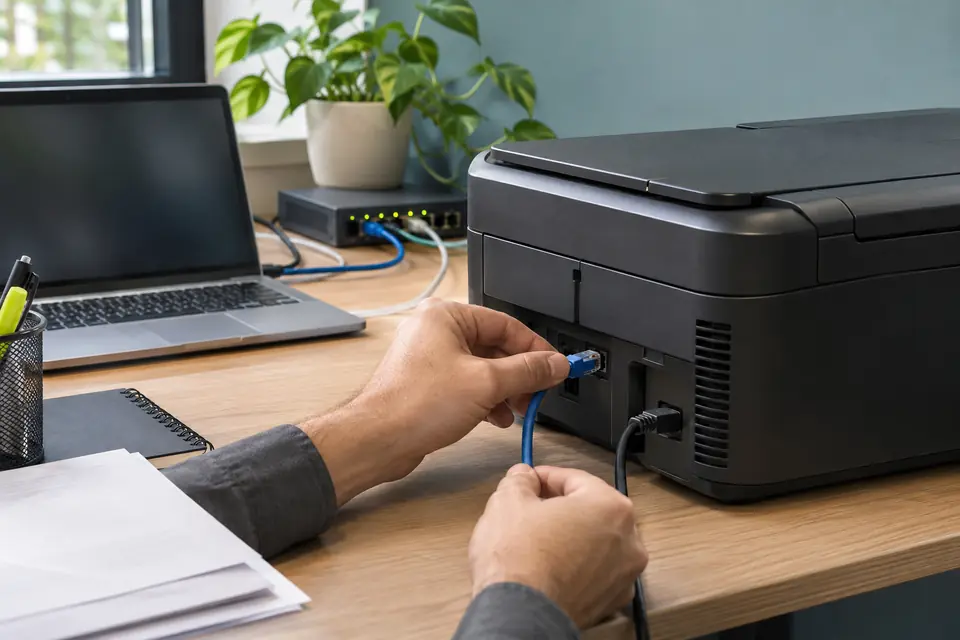
What this symptom can mean
A printer must understand the data sent by the computer. Some models support a particular printer language or host-based driver rather than every PCL or PostScript option. An incompatible queue can produce error text, symbols or many unwanted pages. An unsupported-language message does not by itself show a failed printhead.
The printer's own report looks normal
That separates internal printing from the computer-generated job. Review the driver and application path used for the bad output.
Only one queue or app produces the problem
Compare the same harmless test document through the intended queue. A duplicate entry can use different software even when its name looks familiar.
Safe checks before service
- Cancel pending bad jobs before testing again.
- Confirm the exact printer model and supported operating system.
- Use the manufacturer's correct driver rather than choosing a language by name alone.
- Check whether a shared office queue is managed before replacing its configuration.
Repeated attempts can fill the queue and waste supplies. Avoid removing every office printer or resetting network settings to fix a single incompatible queue.
What professional diagnosis should separate
- 01
Identify where the output changes
Mashfix can compare the printer's report with one controlled computer print.
- 02
Match the supported language and driver
The evaluation checks the queue's configuration against the actual device specification.
- 03
Test the original workflow
Verify the app and document type that caused the issue, then confirm routine printing for the intended users.
Arrange office printing help
Tell Mashfix which staff computers are affected and whether the printer's own report is normal. Include the model and exact queue name. Onsite support can be useful when the shared print setup is part of the problem, with scope confirmed before booking.
Use non-sensitive test text. Unwanted printouts may contain fragments of a private document, so handle them under your normal document-disposal practice.
Common questions
Answers before you approve a repair
Is PCL always the right driver for an HP printer?
No. The exact model's supported language and driver matter.
Will changing ink or toner stop command-like pages?
Supplies do not correct a driver-language mismatch. Establish the output path before ordering parts.
Visit a DFW repair shop
- Arlington603 Causley Ave
Arlington, TX 76010 - Dallas4323 W Illinois Ave, Suite 104
Dallas, TX 75211 - Euless1001 W Euless Blvd, Suite 417
Euless, TX 76040 - Fort Worth6800 Randol Mill Rd, Suite 100
Fort Worth, TX 76120 - Grand Prairie207 Clarice St
Grand Prairie, TX 75051 - Irving4324 N Belt Line Rd, Suite C103
Irving, TX 75038
Product guidance and references
These technical resources explain the referenced behavior. Your device and situation still need their own assessment.