Hardware diagnostic guide
Installed RAM Is Higher Than Usable Memory: Compare the Labels
Published by MASHFiX Computer Repair and Data Recovery ·
Installed, available and hardware-reserved memory describe different things. Record the actual labels before treating a lower number as a failed RAM stick.
Open Windows device information and note the installed RAM and system type. Separately record the memory labels in Task Manager, including hardware reserved if shown.
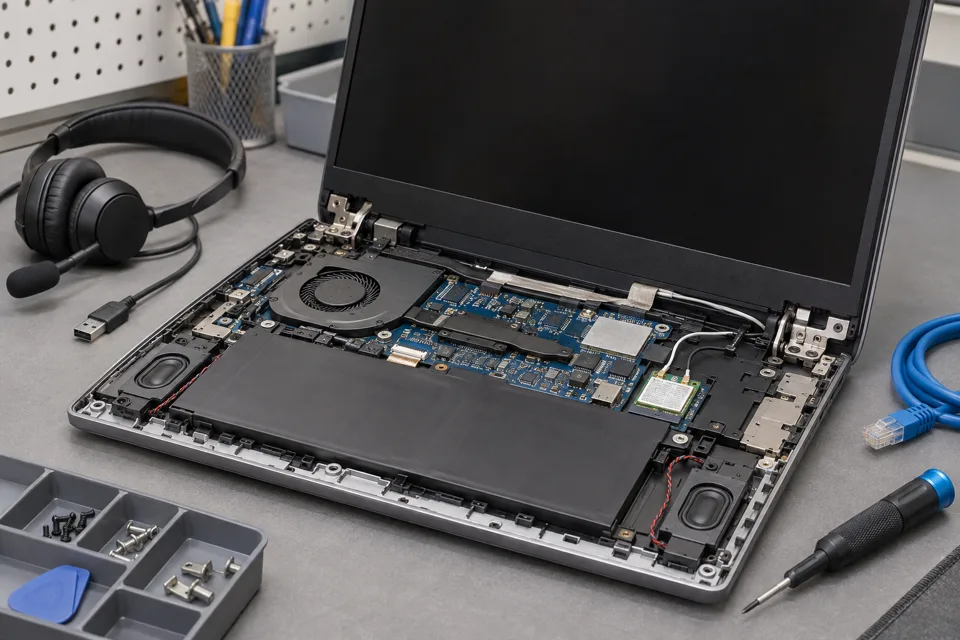
What this symptom can mean
Memory currently available to applications is not the same as the physical modules installed. Windows and applications use memory, and hardware or platform configuration can reserve a portion. A large unexpected discrepancy deserves investigation, especially after hardware work. One number without its label can lead to an unnecessary RAM purchase.
Available memory falls while programs are open
That may reflect ordinary use rather than a missing module. Compare usage with the installed total and the actual performance symptom.
Firmware identifies less memory than the expected installed total
The module, slot, compatibility or platform memory path may need evaluation. Record the exact configuration and recent changes before reseating anything.
Safe checks before service
- Record the exact wording and units from each screen.
- Compare installed capacity with the invoice or known module list.
- Note whether this began after an upgrade, firmware change or repair.
- Use only a read-only view of firmware information if you know the manufacturer's procedure.
Boot configuration and firmware controls can change what the system uses. Do not copy settings from an unrelated PC or remove hardware while power is connected.
What professional diagnosis should separate
- 01
Confirm which total is being compared
Mashfix can compare the expected modules, firmware recognition and Windows reporting.
- 02
Check platform requirements
Supported module combinations, graphics reservations and operating-system architecture matter. Test results should identify the relevant limit.
- 03
Validate the complete configuration
After any approved correction, verify capacity and stability with the intended modules. A larger reported total alone is not a stability test.
Include the configuration when booking
Tell Mashfix the expected capacity, module models and what Windows actually reports. For a custom desktop, include the motherboard and processor too. These details help distinguish a capacity-reporting question from memory errors or an upgrade compatibility request.
Back up important work before hardware changes. Diagnostic screenshots can expose device or account identifiers, so share only the relevant memory labels.
Common questions
Answers before you approve a repair
Is all hardware-reserved memory a fault?
No. Some reservation can be normal. Its meaning depends on the platform and size of the discrepancy.
Does less available memory mean a stick is missing?
Available memory changes with use. Compare installed and recognized totals before drawing that conclusion.
Visit a DFW repair shop
- Arlington603 Causley Ave
Arlington, TX 76010 - Dallas4323 W Illinois Ave, Suite 104
Dallas, TX 75211 - Euless1001 W Euless Blvd, Suite 417
Euless, TX 76040 - Fort Worth6800 Randol Mill Rd, Suite 100
Fort Worth, TX 76120 - Grand Prairie207 Clarice St
Grand Prairie, TX 75051 - Irving4324 N Belt Line Rd, Suite C103
Irving, TX 75038
Product guidance and references
These technical resources explain the referenced behavior. Your device and situation still need their own assessment.