Laptop diagnostic guide
Windows Says No Audio Device Is Installed
Published by MASHFiX Computer Repair and Data Recovery ·
Check output selection, device detection and hardware separately when a Windows laptop loses sound. Know when repair evaluation helps.
Disconnect the dock and select the intended speaker output in Windows sound settings. Test a familiar local sound at a moderate volume.
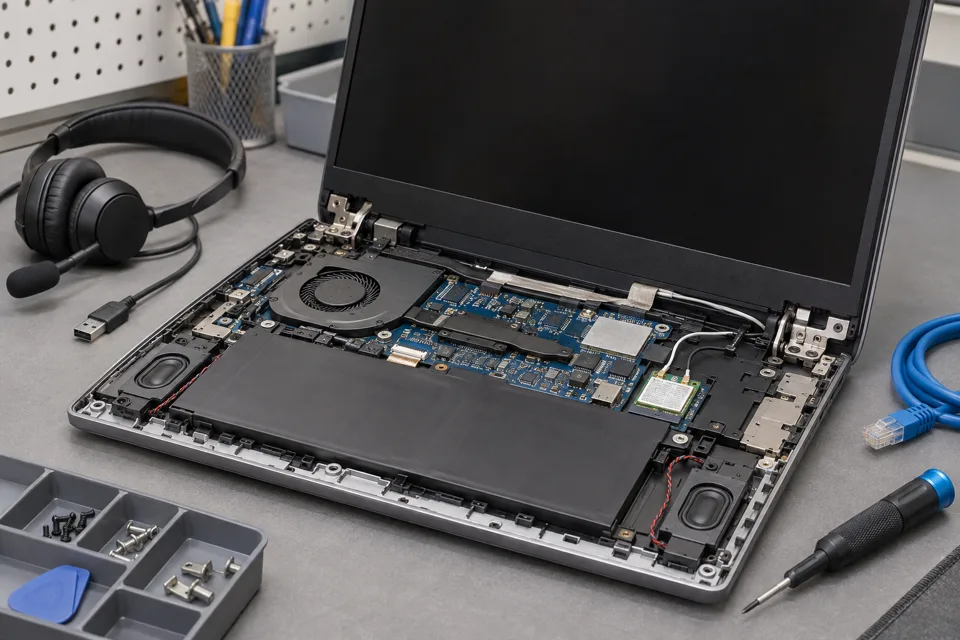
What this symptom can mean
No sound can mean the wrong output is selected, an app is muted, a driver cannot start or the audio hardware is not detected. Replacing speakers will not fix every missing-device warning.
Headphones work but speakers do not
The speaker path deserves attention, including mute state, connection and the speakers themselves.
Sound moved to a monitor
HDMI or a dock may become the selected output. A silent monitor is not proof of a failed laptop speaker.
No internal device is detected
The model-specific driver stack, firmware settings and board hardware may need assessment. A generic driver package is not a universal cure.
Safe checks before service
- Check app volume and output selection separately.
- Try a known working USB headset as a comparison.
- Save the exact error and any update date.
- Use the manufacturer support page for the exact model if reviewing drivers; avoid driver-download advertisements.
Multiple incompatible packages can obscure the original fault. Do not change firmware settings or remove business software without a recovery plan.
What professional diagnosis should separate
- 01
Confirm which path fails
Mashfix can compare internal speakers, wired audio and USB audio.
- 02
Review detection and software
Device state and driver history help separate a configuration issue from missing hardware.
- 03
Inspect only when justified
Speaker wiring, audio connectors and board circuits are evaluated when software checks do not explain the symptom.
A useful repair acceptance check
Tell the technician whether meetings, the microphone, headphones or internal speakers matter most. These are separate paths, so a passing speaker test does not establish that the microphone also works.
Before collection, request a short test using the output and app you actually use. A USB headset can be a temporary workaround, but discuss whether you want the internal hardware repaired or only a reliable alternate output.
Tell Mashfix which files are irreplaceable before authorizing changes. Keep a separate verified backup when the computer can be used safely; stop copying if storage disconnects, clicks or produces read errors. Never place passwords or recovery keys in a public request.
Common questions
Answers before you approve a repair
Does no audio device mean a bad motherboard?
No. Detection and driver faults can produce that message. Hardware diagnosis is justified only after checking the exact device and supported software.
Need help in DFW? Compare the Dallas shop and Fort Worth shop at Suite 100, or review scheduled home and office visits. We confirm the service path, scope and timing before booking.
Product guidance and references
These manufacturer resources explain the referenced product behavior. Your model and condition still need their own assessment.