No display
No signal, failed POST or a black screen after startup.
Custom builds · Prebuilt desktops
Arrange gaming PC repair from Balch Springs through Mashfix’s Dallas location. Send the tower’s symptoms and recent changes before bringing equipment. The team can review whether the complete computer, a particular accessory or an onsite setup assessment is the appropriate starting point.
A+ certified technicians · Repair approval before work
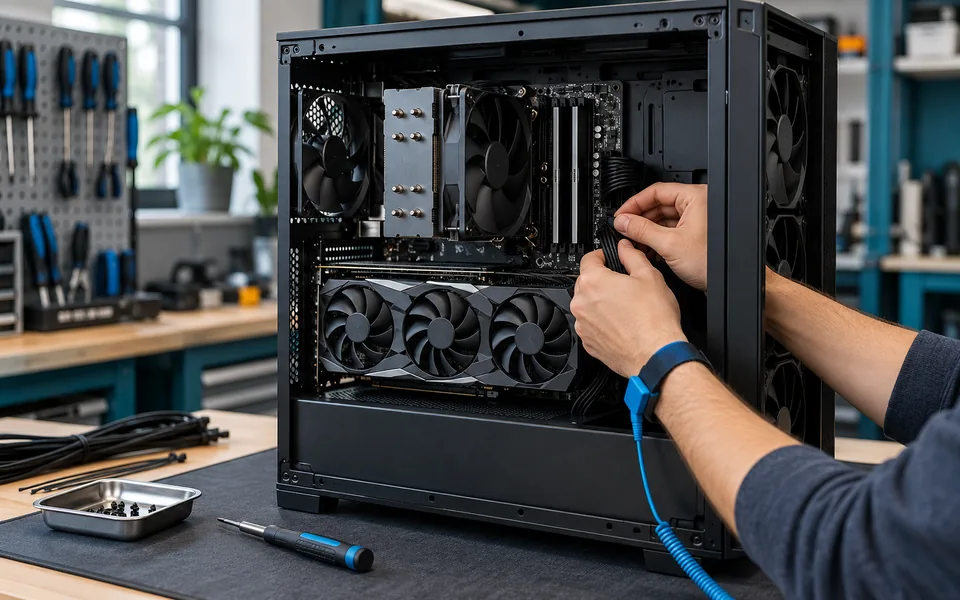
Diagnose the system
A black screen does not automatically mean a failed GPU. We evaluate the related components before recommending replacements.
No signal, failed POST or a black screen after startup.
Game freezes, blue screens and shutdowns under load.
Loud fans, thermal throttling and cooling-system faults.
Artifacts, driver resets and unstable graphics output.
Intermittent startup, power cycling and supply diagnostics.
Compatibility, installation and stability after a change.
Plan your service · Balch Springs
A fault may depend on a monitor, controller, power adapter or connection that stays at home. Describe the complete setup first so we can identify the equipment needed for intake and avoid an unnecessary second trip with accessories.
Important files on the PC? Mention them before resets or reinstalls. Review data recovery options.
Repair intake
10 AM–10 PM, 7 days a week
Walk-ins welcome
682-235-7712At your home or business
Monitor connections, peripherals, Wi-Fi and setup problems in Balch Springs may fit a scheduled visit. Internal power, GPU, cooling and motherboard faults usually need workshop testing. Send the service address and equipment details so we can confirm the scope and availability.
Balch Springs gaming PC repair
Share your parts list or model, symptoms, recent changes and any error lights. Mashfix Dallas is the initial intake choice; you can choose another location in the form.
We’ll follow up with the next step. Do not include passwords or recovery codes.
Have a gaming laptop? →Before your visit
Contact the Dallas location with the display model, cable type and symptoms first. The initial assessment may need only the tower, but a fault involving one monitor, adapter or cable may require that accessory to reproduce the problem.
Mashfix Dallas is an intake option at 4323 W Illinois Ave, Suite 104, Dallas, TX 75211. Call 682-235-7712; posted hours are 10 AM–10 PM, 7 days a week. Walk-ins are welcome. Call first for a heavy tower, custom cooling loop or unusual hardware.
The fault, parts, test time and availability determine the quote and turnaround. Share your build and symptoms first. Mashfix explains the proposed work, price and expected timing before you approve the repair; the request form does not confirm an appointment.