Business IT diagnostic guide
Is Your Backup Usable? Run a Safe Restore Check
Published by MASHFiX Computer Repair and Data Recovery ·
A successful backup message is only part of the evidence. Verify the files, access and restore path without overwriting working data.
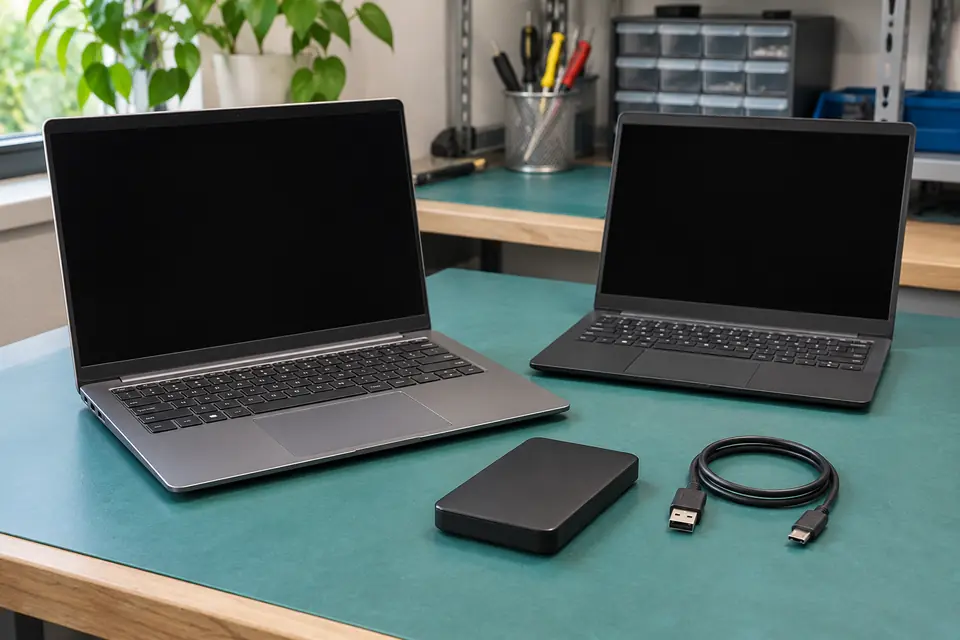
Choose a few non-sensitive representative files and restore copies into a separate test folder. Never test a full restore over the only working computer or production folder.
What this symptom can mean
A synchronized folder, a recovery USB and a file backup solve different problems. A usable backup needs the right files, a sufficiently recent copy, accessible credentials and a practical way to restore them. A green status icon does not answer every one of those questions.
The backup drive is connected but old
Check the last successful copy and the actual folders included. A connected cable does not prove current protection.
Files are only in a sync service
Review deleted-file and version recovery options. Synchronization can also propagate unwanted changes; retention and account access matter.
There is a recovery USB but no file copy
A system recovery drive may help start or reinstall Windows without containing personal documents.
Safe checks before service
- Choose recent documents plus an older file and a larger photo or project.
- Restore to a separate destination and open the copies.
- Record the backup date, included locations and responsible person.
- Verify access from another trusted device without putting passwords in the checklist.
Do not overwrite live folders, disconnect a business backup job or change retention without the responsible person’s agreement. If the original drive is failing, stop experimenting and prioritize recovery.
What professional diagnosis should separate
- 01
Define what must be recoverable
Mashfix can help identify important folders and application-specific requirements.
- 02
Check the real restore path
Source, backup destination, credentials and available space are reviewed.
- 03
Document the next check
Agree on who will review failures and repeat a limited restore test after meaningful changes.
A practical office handoff
For Dallas and Fort Worth businesses, identify who owns backup monitoring before scheduling onsite help. Explain which workstation or shared folder matters and how long the office can operate without it. Do not include client records in a public service request.
Some applications need their own supported backup process; copying an open database folder is not automatically a valid application backup. Request a scope that distinguishes file access from complete application recovery. Mashfix can evaluate setup needs without promising a recovery time or introducing a new cloud service without agreement.
Tell Mashfix which files are irreplaceable before authorizing changes. Keep a separate verified backup when the computer can be used safely; stop copying if storage disconnects, clicks or produces read errors. Never place passwords or recovery keys in a public request.
Common questions
Answers before you approve a repair
Does System Restore recover my deleted documents?
It is primarily a system-settings recovery feature, not a substitute for a personal-file backup. Look for a file backup or version history first.
Need help in DFW? Compare the Dallas shop and Fort Worth shop at Suite 100, or review scheduled home and office visits. We confirm the service path, scope and timing before booking.
Product guidance and references
These manufacturer resources explain the referenced product behavior. Your model and condition still need their own assessment.