Laptop diagnostic guide
Dell Barrel Charger Not Recognized: Adapter, Jack or Board?
Published by MASHFiX Computer Repair and Data Recovery ·
An unknown adapter warning can occur while a laptop still runs on AC power. Understand recognition and charging before replacing the battery.
Record the exact warning and charger model. Stop if the plug is damaged, unusually hot, smells burned or the adapter light repeatedly goes out when connected.
What this symptom can mean
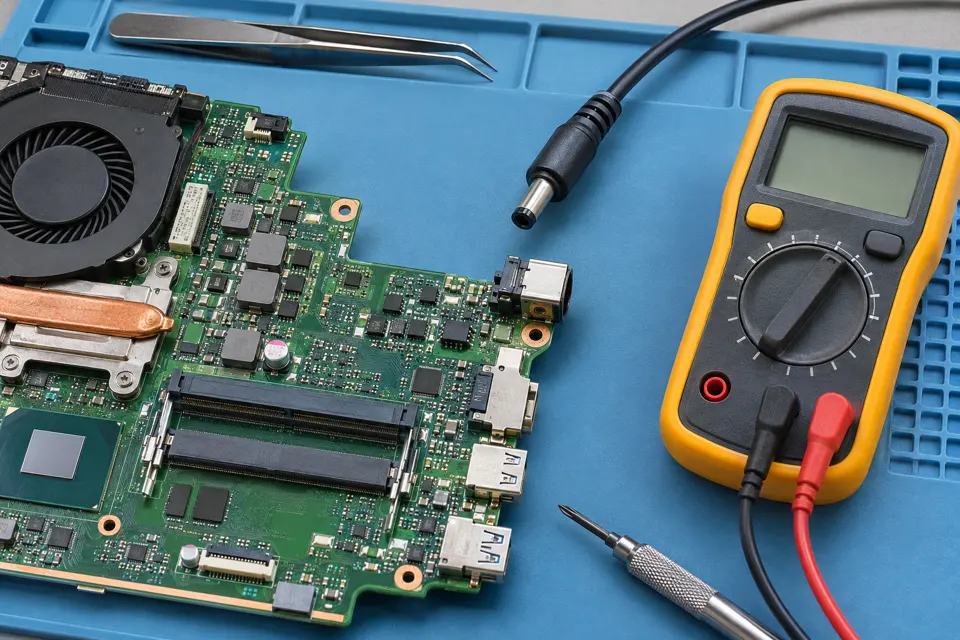
Some Dell barrel charging systems identify the adapter separately from receiving electrical power. A damaged cable or identification contact, incompatible adapter, worn input jack or board fault may interfere with recognition. Battery condition is a separate question; an unknown adapter message does not automatically justify a battery replacement.
Runs on AC but will not charge
Adapter identification, power rating and charging policy deserve review alongside battery health.
Moving the plug changes the warning
A damaged plug, cable or jack is possible. Repeated wiggling can make a marginal connection worse.
Adapter light goes out on connection
Stop repeated attempts. A damaged adapter or device power-path fault needs controlled evaluation.
Safe checks before service
- Read the charger rating and use only a known compatible, undamaged adapter.
- Note whether the issue occurs with the original charger and whether any dock is involved.
- Inspect the outside of the port without inserting metal tools.
- Bring both the laptop and its charger for assessment.
Matching the barrel shape does not establish voltage, polarity, identification or compatibility. Do not modify an adapter or keep charging through a hot connector.
What professional diagnosis should separate
- 01
Compare compatible power
Mashfix can evaluate recognition and charging with appropriate known working equipment.
- 02
Separate replaceable connections
Cable, adapter and jack condition are considered before board repair.
- 03
Assess the board when warranted
Measurements can determine whether the power-input or identification circuit needs further evaluation.
Ask what the repair is expected to fix
The estimate should distinguish replacing an adapter, repairing a jack and component-level board work. If a battery is also recommended, ask which separate finding supports that recommendation. A working indicator light on a charger does not prove correct operation under load.
After approved work, verify normal recognition and actual charging behavior with the intended adapter. If the battery is already full or charging is limited by a supported threshold, the test should account for that setting rather than treat a paused charge as failure. No particular part or same-day completion can be promised from the warning alone.
Charging work should begin with the file priority stated. If the laptop also has startup or storage errors, separate data preservation from the power repair.
Common questions
Answers before you approve a repair
Is this the same as USB-C charging diagnosis?
No. Barrel systems can use different identification and connection arrangements. Use the exact model guidance rather than applying a USB-C procedure.
Need help in DFW? Compare the Dallas shop and Fort Worth shop at Suite 100, or review scheduled home and office visits. We confirm the service path, scope and timing before booking.
Product guidance and references
These manufacturer resources explain the referenced product behavior. Your model and condition still need their own assessment.