Gaming PC diagnostic guide
AIO Cooler Leaking Inside a Desktop PC
Published by MASHFiX Computer Repair and Data Recovery ·
Found coolant inside a desktop? Stop power attempts and separate cooler replacement from contamination and component damage assessment.
If you see liquid inside the tower, stop using the PC. Disconnect AC only if the plug and surrounding area are dry and safe to reach. Do not touch wet equipment connected to electricity, and do not restart to see whether it survived.
What this symptom can mean
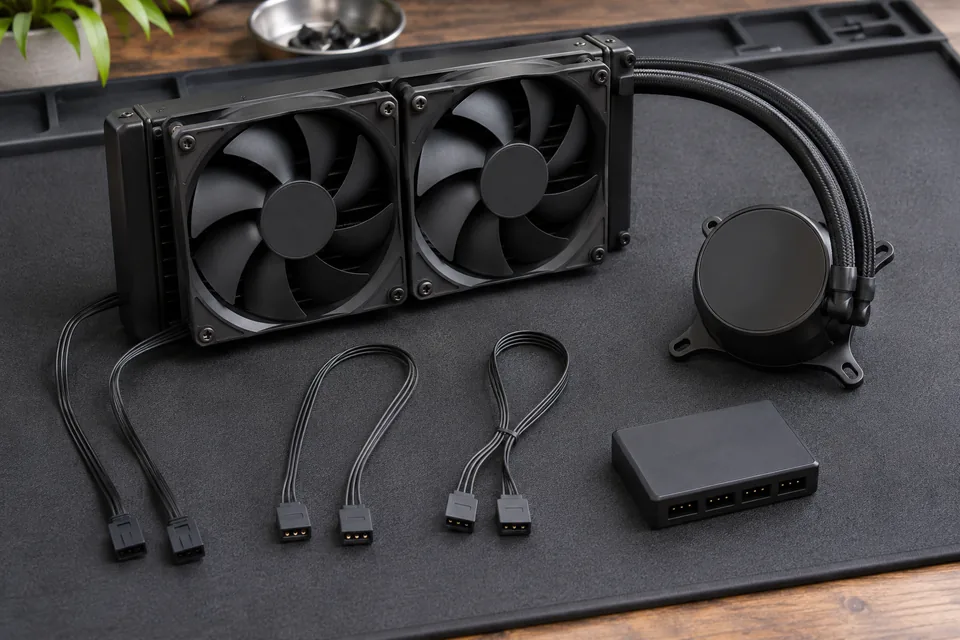
A leaking all-in-one CPU cooler creates two questions: where the liquid came from, and what it reached. Replacing the cooler addresses the cooling fault, but does not establish that a wet graphics card, motherboard or power supply is safe to energize.
Fresh droplets beneath a hose or radiator
Photograph what is visible without touching components. A wet area near the cooler is useful evidence, but its location alone does not prove which seal or fitting failed. Keep the original observation for the repair intake.
Dried residue but the computer still runs
Working today does not rule out contamination or later connection problems. Arrange inspection rather than using a benchmark to prove the system is healthy.
Safe checks before service
- Leave the tower upright and avoid tilting it, which can spread liquid into previously dry areas.
- Record the cooler model, when the liquid appeared and whether the computer was powered on. Keep purchase information for the cooler manufacturer.
- Describe any odor, shutdown or new display problem when requesting service; do not recreate the fault.
Do not refill a sealed AIO, glue a hose, use a hair dryer, wash assembled electronics or open a power supply. A dry surface and an arbitrary waiting period do not establish electrical safety.
What professional diagnosis should separate
- 01
Trace the exposure
Mashfix can assess visible residue, the likely leak path and which components require closer examination before any controlled power testing.
- 02
Separate cooling from electrical damage
The assessment distinguishes cooler replacement and mounting from contaminated connectors or affected boards. Manufacturer coverage is a separate decision made under the applicable product terms.
- 03
Plan a staged return to use
After an appropriate repair, controlled startup and cooling checks address the original failure. Previously exposed hardware may still have damage that is not immediately apparent.
Prepare for a Dallas–Fort Worth repair assessment
When arranging Mashfix service, explain that the PC has a suspected liquid-cooler leak rather than only overheating. Share photographs without account details, the build configuration and your data priority. Ask how to transport the tower without spreading the liquid; avoid removing wet hardware just to bring individual parts.
If the storage contains the only copy of important files, say so before service. Do not power the whole PC solely to copy files after a leak; an appropriate storage assessment may offer a safer route.
Common questions
Answers before you approve a repair
Can I replace the AIO and immediately turn the PC on?
Not when coolant has reached other hardware or the exposure is uncertain. The leak source and affected components need assessment before normal use resumes.
Does a leaking cooler mean every part is ruined?
No. The affected area, whether power was present, contamination and actual component condition matter. Neither total loss nor complete recovery can be determined from a photograph.
Need help in DFW? Compare the Dallas shop and Fort Worth shop at Suite 100, or review scheduled home and office visits. We confirm the service path, scope and timing before booking.
Product guidance and references
These technical resources explain the referenced behavior. Your device and situation still need their own assessment.