Gaming PC diagnostic guide
Desktop Turns On Then Off Immediately: Safe Power Checks
Published by MASHFiX Computer Repair and Data Recovery ·
A brief fan spin is not proof of a working power supply. Separate power protection, connections and motherboard startup without unsafe PSU tests.
Stop repeated starts if there is a burning smell, damaged cable, liquid exposure or unusual heat. Disconnect power and request assessment.
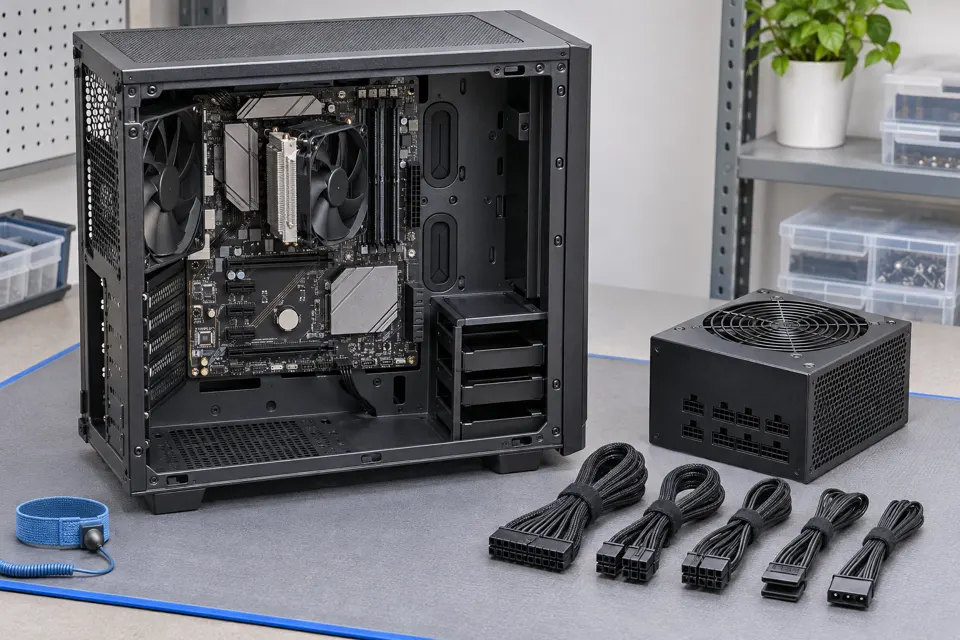
What this symptom can mean
An immediate cutoff can come from power protection, damaged wiring, a short, motherboard startup behavior or another hardware fault. A fan twitch only shows that part of the system briefly received power. A shutdown after extended gaming is a different diagnostic pattern from cutting off before startup.
It began after a PSU replacement
Cable compatibility and connection choices need review before another attempt. Modular cables are not universally interchangeable.
It began after a move or rebuild
A loose connection, damaged mounting or an incorrectly connected component is possible. Avoid touching powered internals.
It remains on but has no picture
That belongs to the no-display/POST path. Do not equate no video with an immediate electrical cutoff.
Safe checks before service
- Record how long it stays on and whether any diagnostic code appears.
- With power disconnected, check only accessible external power connections for visible damage.
- Keep the original and replacement PSU cable sets clearly separated.
- Bring the system and describe recent parts changes rather than repeatedly recreating the shutdown.
A sealed PSU can contain dangerous stored energy. A basic jump-start or fan test does not establish safe output under load. Use appropriate professional equipment and model guidance.
What professional diagnosis should separate
- 01
Confirm the symptom
Mashfix can distinguish no power, immediate cutoff, no POST and an operating-system shutdown.
- 02
Inspect power delivery
Compatible cables, connectors and supply behavior are evaluated before blaming the motherboard.
- 03
Isolate the hardware
Controlled bench tests can narrow the fault and establish whether further board assessment is justified.
What a PSU replacement should include
Ask whether the proposed supply has suitable capacity and correct connectors for the actual system. A high wattage label alone does not establish compatibility. Cable pinouts and intended use matter even when connectors physically fit.
After approved work, startup and representative load behavior should be checked, including the original complaint. A quick power-on at the counter is not a complete stability test. If the failure began after a graphics-card upgrade, describe the old and new hardware so the test plan reflects that change.
Power testing should not require erasing storage. Explain any important data or encryption needs before firmware resets or motherboard replacement are considered.
Common questions
Answers before you approve a repair
Can the PSU fan spinning prove it is good?
No. Fan behavior varies by model and does not verify the supply under the system load.
Need help in DFW? Compare the Dallas shop and Fort Worth shop at Suite 100, or review scheduled home and office visits. We confirm the service path, scope and timing before booking.
Product guidance and references
These manufacturer resources explain the referenced product behavior. Your model and condition still need their own assessment.