Storage diagnostic guide
External Drive Says It Needs Formatting: Keep the Files First
Published by MASHFiX Computer Repair and Data Recovery ·
A format prompt, RAW volume or unallocated disk needs a data decision before a repair attempt. Learn what to record and when to disconnect the drive.
Cancel the format or initialization prompt if you need the existing files. If the drive clicks, repeatedly disconnects or makes the computer freeze, stop using it. Write down the message instead of trying several recovery programs.
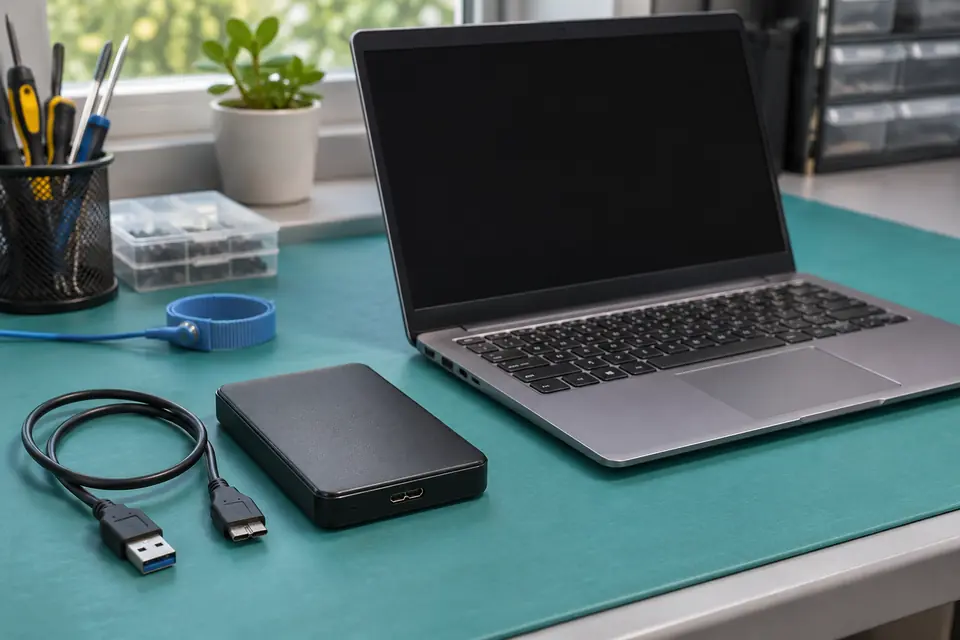
What this symptom can mean
Windows can detect a storage device without understanding the files on it. A damaged file system, missing partition, locked enclosure, incompatible format or unstable device can all prevent normal access. The prompt does not establish which cause applies. Making the disk empty and usable is a different goal from retrieving its current contents.
RAW or unallocated, but the capacity looks plausible
The system sees a device but does not have a normal accessible volume. That is a reason to assess the original structure, not permission to create a new one.
The drive freezes File Explorer or vanishes
A slow or unstable source can turn an ordinary file copy into repeated retries. Avoid making every program scan it while the media condition is unknown.
The drive worked with a different computer
Record which operating system, enclosure and security software were used. Some locked or differently formatted drives require their original access method rather than reformatting.
Safe checks before service
- Check whether a separate, recent backup contains the files you need before experimenting with the source.
- Photograph the exact error without including private filenames, account details or keys.
- Record the drive model, original enclosure and any drop, unplugging event or power problem.
- On a quiet, stable device, one known-good cable or port comparison can identify an obvious connection problem; stop if it stalls or disconnects.
- Keep the original drive, enclosure and power adapter together for the evaluation.
These actions write to the device whose original data you need. Do not open a hard drive's sealed enclosure or repeatedly power a clicking drive. Tell the evaluator about any tools already run; an unsuccessful attempt still matters to the recovery plan.
What professional diagnosis should separate
- 01
Check the device and connection
We assess identification, reported capacity and stable access before treating the issue as a simple Windows setting. The external enclosure and the storage inside it are separate possible fault points.
- 02
Choose a recovery-first approach
When the source is unstable, the proposed work should explain how readable data will be protected before write-based repairs. Specialist physical cases may require referral rather than repeated local software scans.
- 03
Verify files on separate storage
The result is reviewed on a different destination. A folder count or a completed scan is not the same as opening the important documents, photos or business files you requested.
Repair the drive, recover the files, or replace it?
Tell us which outcome matters. If the files exist safely elsewhere, replacing an unreliable external drive may be more practical than making it work temporarily. If it holds the only copy, keep it unchanged until recovery has been evaluated. A drive that becomes readable during testing has not automatically become trustworthy for future storage.
A useful request says what you need back and when it was last accessible. Include whether the missing material is a few folders or an entire business archive. Do not upload sensitive documents just to demonstrate the problem. Encryption, physical damage and prior writes can limit the available options.
What to bring to a DFW recovery evaluation
Bring the original device as it was used, including its enclosure and the correct power supply if it has one. Keep any separate backup available for comparison, and explain whether other people or computers have written to the source since the failure. Avoid promising yourself a particular result based only on the brand or size of the disk.
Mashfix offers data-recovery intake through its DFW locations, including Dallas and the Fort Worth Suite 100 shop. The evaluation determines the next step, and the recovery policy and proposed work should be clear before approval.
No Data, No Charge applies under Mashfix's recovery policy. Recovery is not guaranteed: overwritten files, damaged media, encryption and prior attempts can affect the outcome. Keep the original source until you have checked the returned files and a separate backup.
Common questions
Answers before you approve a repair
Will a quick format repair the disk without losing files?
A format changes the file-system information. Do not use it as a recovery step when the current files matter, even if a utility calls it quick.
Does RAW always mean the hard drive is physically broken?
No. RAW describes a volume Windows cannot interpret normally. File-system, access and hardware problems need to be distinguished before a repair is proposed.
Can I recover onto the same external drive?
Use a separate destination. Writing recovered files to the source can overwrite other data that has not yet been recovered.
Need help in DFW? Compare the Dallas shop and Fort Worth shop at Suite 100, or review scheduled home and office visits. We confirm the service path, scope and timing before booking.
Product guidance and references
These manufacturer resources explain the referenced product behavior. Your model and condition still need their own assessment.