Data recovery diagnostic guide
External Drive Failed? Keep the Original Enclosure
Published by MASHFiX Computer Repair and Data Recovery ·
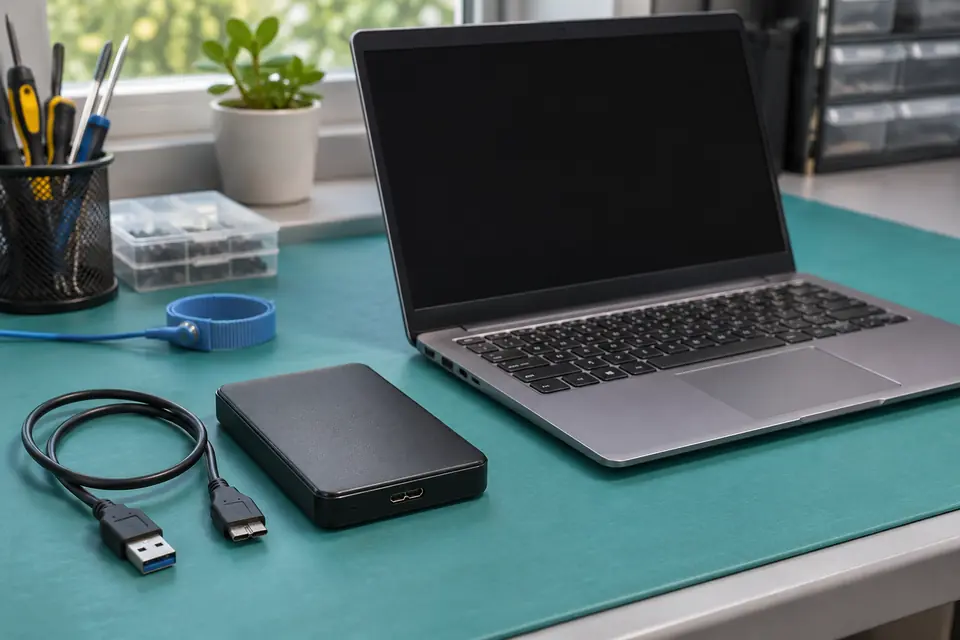
Some external drives depend on their original USB electronics for access. Keep the enclosure and boards before trying another adapter or recovery.
Power off an unstable or inaccessible drive and keep the complete device, original enclosure, power adapter and any removed parts together. Tell the technician if somebody has already moved the disk.
What this symptom can mean
A USB enclosure does more than hold a disk. It provides a connection to the computer, and some designs also perform encryption or other storage translation. A generic replacement adapter can therefore produce an unreadable disk even when the original files have not simply disappeared. Other models work differently; the product family alone is not enough to choose a recovery method.
The disk became unreadable after enclosure removal
The change in the access path is important evidence. A format or initialization prompt is not permission to create a new file system when the original files matter.
No password was ever chosen
That does not rule out hardware encryption. Western Digital distinguishes password protection from hardware encryption and publishes model-specific exceptions in its compatibility matrix.
Safe checks before service
- Record the model and part number from the outside label without posting the serial number publicly.
- Preserve the original enclosure and circuit boards, including any parts described as faulty.
- List previous adapter changes, repair utilities, resets or password attempts for the evaluator.
Do not initialize, format or run file-system repair to make a transplanted disk appear usable. Do not discard the USB board, swap random donor boards or open the sealed hard-drive mechanism. Repeated power attempts are inappropriate when there is clicking, a drop history or unreliable detection.
What professional diagnosis should separate
- 01
Identify the original design
Match the complete model to its storage interface, encryption behavior and any known changes made during prior work.
- 02
Separate electronics from media condition
Determine whether the connection electronics, storage media or both need attention before selecting a data-access approach.
Why the exact model matters
Western Digital’s published table includes models with and without hardware encryption, different enclosure-readability behavior and portable designs that do not have a separate SATA-to-USB board. Advice written for one enclosure may be wrong for another. A password being known is also different from the hardware still being able to provide the required access path.
Keep a short chain of events: the last successful access, the original symptom, when the enclosure was opened and what the computer reported afterward. That history helps avoid treating a new adapter’s prompt as evidence of a newly empty disk.
Discuss recovery before ordinary replacement
Mashfix can evaluate the complete device and explain an appropriate recovery path, including limitations. A replacement enclosure that restores connection is not automatically a verified recovery: important files still need to open from a separate safe destination. Neither this guide nor an intact-looking disk establishes that recovery is possible.
Keep recovered files on a separate destination and retain the original hardware until the agreed files are checked. Bring encryption passwords securely when requested; never place passwords or recovery keys in the inquiry form.
Common questions
Answers before you approve a repair
Does every external hard drive encrypt through its enclosure?
No. Design and behavior vary by exact model. Keep the original parts until the data-access requirements are established.
Does a format prompt mean the disk is empty?
No. It means the current system cannot use the file system as presented; encryption, translation, corruption or other faults may be involved.
Need help in DFW? Compare the Dallas shop and Fort Worth shop at Suite 100, or review scheduled home and office visits. We confirm the service path, scope and timing before booking.
Product guidance and references
These technical resources explain the referenced behavior. Your device and situation still need their own assessment.