Gaming PC diagnostic guide
Gaming PC Shows Artifacts Under Load: Is It the GPU?
Published by MASHFiX Computer Repair and Data Recovery ·
Colored blocks, flicker or corrupted textures need controlled comparisons. Separate graphics hardware, display connection and system stability before buying a card.
Stop the workload if artifacts worsen, crashes repeat or electrical or thermal warnings appear. Note whether the corruption is visible before Windows, in one game or across several applications.
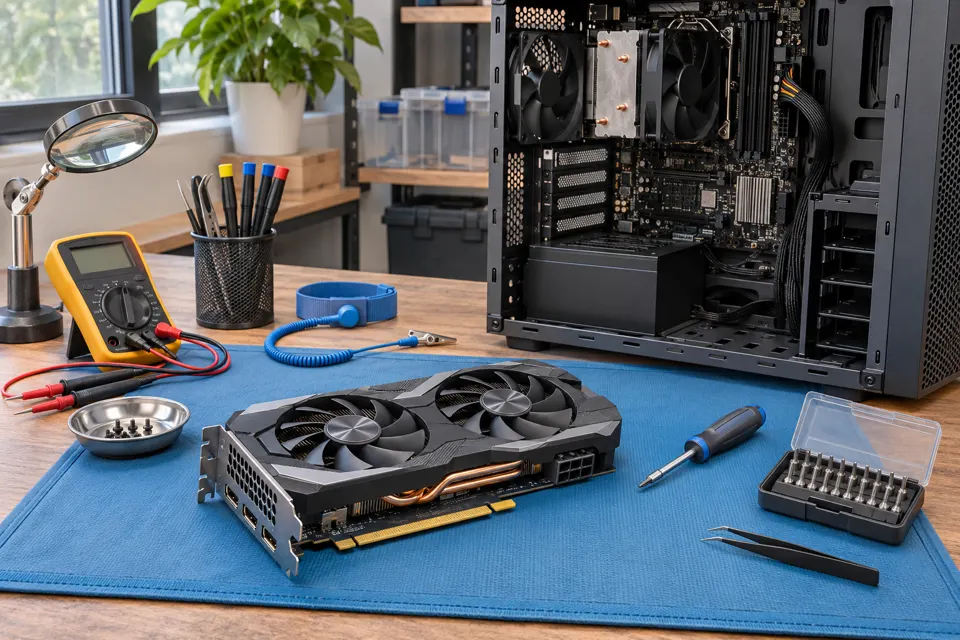
What this symptom can mean
A graphics card can cause artifacts, but a cable, monitor, driver, unstable settings, memory or another system fault can produce similar symptoms. A screenshot may capture some rendering faults while missing a downstream display problem; neither result alone proves the cause.
Only one game is affected
Application settings, software updates and a driver interaction deserve review before replacing hardware.
Corruption appears across screens and workloads
The graphics and system stability paths need controlled testing. Avoid repeated maximum-load runs.
It began after an upgrade or overclock
Provide the parts and settings history. A supported stock baseline helps avoid treating an unstable configuration as a confirmed failed card.
Safe checks before service
- Record the display connection and whether another known working cable changes the symptom.
- Save the relevant error and when it happens, without sharing account details.
- Use manufacturer-supported settings and drivers; avoid random firmware files.
- Keep original parts and describe recent power or cooling changes.
Uncontrolled heating can add damage and is not a reliable repair. Do not raise voltages or disable protection to keep an unstable card running.
What professional diagnosis should separate
- 01
Reproduce the pattern
Mashfix can compare the affected workload and display path.
- 02
Separate components
Appropriate known working parts and supported settings can narrow the fault.
- 03
Explain feasibility
If board work is considered, component access, documentation, damage and testability affect whether a repair is practical.
What to ask before approving GPU work
Ask which observation supports the diagnosis and how the result will be verified. A replacement working briefly is useful evidence, but intermittent issues may need more controlled testing. Avoid approving several parts solely because each could cause a crash.
Board repair cannot be promised for every graphics card. The absence of reliable technical information, extensive damage or an uneconomic scope may limit the options. A quote should describe the work and limitations without implying that heating or a generic chip swap guarantees a lasting repair.
Graphics diagnosis should not require erasing the storage drive. Protect unsaved work and explain any important data before broader system repair is authorized.
Common questions
Answers before you approve a repair
Does an artifact always mean failed video memory?
No. Several graphics, connection and system issues can resemble that fault. Testing must separate them.
Need help in DFW? Compare the Dallas shop and Fort Worth shop at Suite 100, or review scheduled home and office visits. We confirm the service path, scope and timing before booking.
Product guidance and references
These technical resources explain the referenced behavior. Your device and situation still need their own assessment.