Data recovery diagnostic guide
Camera SD Card Unreadable: Protect the Photos Before Formatting
Published by MASHFiX Computer Repair and Data Recovery ·
Separate a camera or reader problem from damaged SD media, and preserve the original card when your photos are the only copy.
Turn the camera off and remove the card normally. Stop taking pictures on it. Cancel any format or initialization prompt, and put the original card aside if the images cannot be replaced.
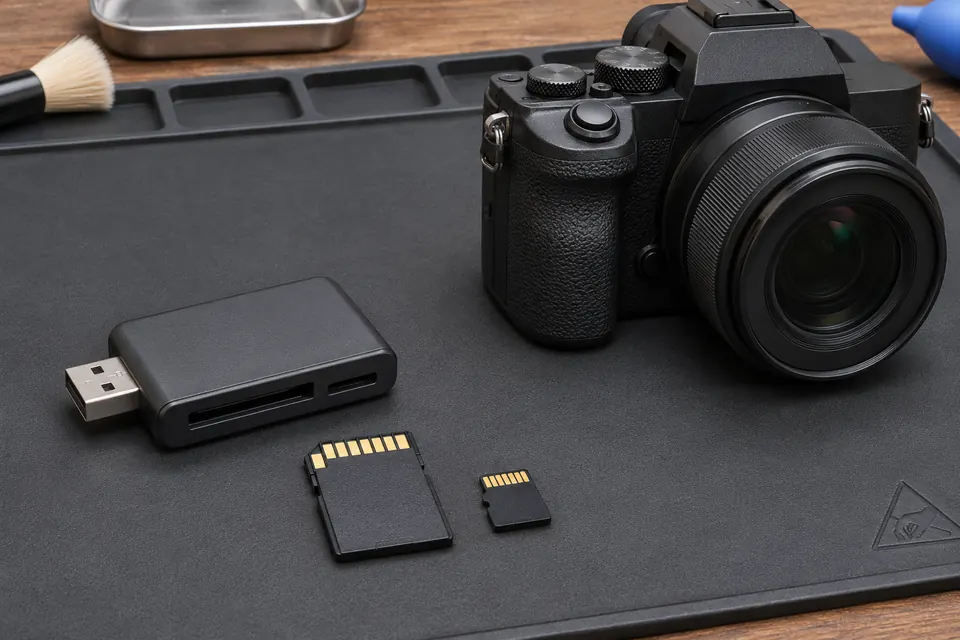
What this symptom can mean
An unreadable card can involve the reader, a microSD adapter, incompatible media, damaged contacts, the file system or failing flash storage. A camera error does not establish which path has failed. Getting the camera ready to shoot again and retrieving the old photographs are separate goals.
A new card fails in the same camera
Check the camera's supported card types and capacity in its manual. The slot or compatibility may deserve attention. Test with an empty spare, not the card holding the missing photos.
The card is visible but photos are missing
Import filters, folders and the image database can affect what an application displays. Do not delete folders or rebuild the original card just to make thumbnails appear.
The card disappears, heats up or looks cracked
Stop connecting it. Repeated attempts through different readers can turn an unstable source into a less recoverable one. A physically damaged microSD card should not be flexed or glued.
Safe checks before service
- Look for an existing import or backup on another device before changing the card.
- Record the camera model, card capacity, reader and exact error. Note any interrupted transfer, removal during recording or previous format.
- Check an empty compatible spare in the camera and a working spare in the reader to test those paths without altering the original.
- Keep the card and its adapter together for evaluation. Avoid touching exposed contacts or forcing a stuck card out.
Manufacturer instructions may recommend formatting to restore camera operation after data is backed up. That is not an instruction to erase the only copy of a shoot. Avoid camera database repairs, file-system repair tools and recovery output written back to the original card before a preservation plan is agreed.
What professional diagnosis should separate
- 01
Identify the media and access path
Mashfix can review the card, adapter, reader behavior and failure history to decide whether removable-media recovery evaluation is appropriate. Camera body repair is a separate question.
- 02
Assess readable data before repair writes
If the source can be read safely, the evaluator determines how to preserve it and work on separate storage. An unreadable controller or damaged flash can limit available options.
- 03
Check useful files
A list of recovered names is not enough. Discuss sample photos and videos, important dates and whether the files actually open before considering the recovery useful.
What to bring for a photo-recovery request
Bring the original card in a protective case, its microSD adapter if used, and the reader that showed the problem. Tell the team which shoot matters most and whether any software has already scanned or repaired the card. A photographer's priority folder or date range is more useful than a request to recover everything without identifying the irreplaceable material.
Mashfix reviews removable-storage recovery requests through its DFW data-recovery service. Confirm the media type before travelling to Dallas or Fort Worth. No evaluation can promise every image, and recovered data should go onto separate storage rather than back onto a questionable card.
Do not resume using the card after a quick format or partial recovery. New photos can overwrite older material. Mashfix's No Data, No Charge policy applies to data recovery: if we can't recover your data, you don't pay for data recovery. The priority files, plan and quote are reviewed before approved work.
Common questions
Answers before you approve a repair
Should I use the SD card's lock switch?
A full-size SD card's switch is a reader-interpreted write-protection request, not a guaranteed forensic write blocker. It does not repair a card or make repeated tests risk-free.
Can a damaged card always be recovered?
No. Flash damage, controller condition, overwritten data and previous attempts affect what is possible. The first step is an assessment of the actual card.
Need help in DFW? Compare the Dallas shop and Fort Worth shop at Suite 100, or review scheduled home and office visits. We confirm the service path, scope and timing before booking.
Product guidance and references
These technical resources explain the referenced behavior. Your device and situation still need their own assessment.