Laptop diagnostic guide
USB-C Charges Only One Way: Cable or Laptop Port?
Published by MASHFiX Computer Repair and Data Recovery ·
USB-C charging that changes when the plug flips can involve the cable, connector or charging path. Learn safe checks before choosing a repair.
Unplug a cool, undamaged charger normally. If the connector is loose, scorched, unusually hot or needs pressure to work, stop using that connection rather than repeatedly flipping or holding it in place.
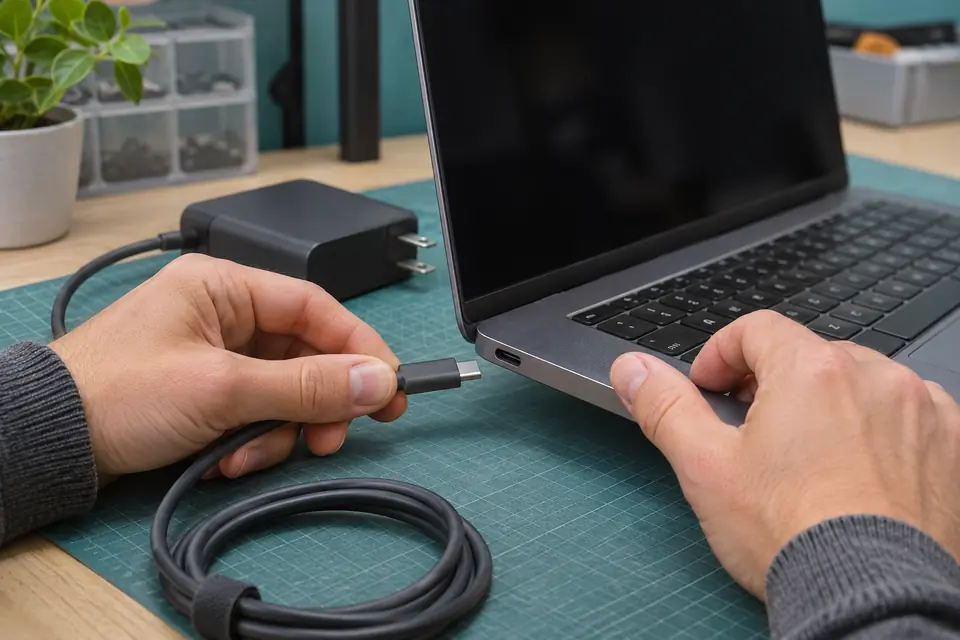
What this symptom can mean
USB-C uses configuration-channel contacts to detect a connection and its orientation. A damaged plug, receptacle contact or related connection path can make one orientation behave differently. This is a useful symptom, not proof of a specific failed pin or chip. Cable capability, charger compatibility and whether the selected laptop port accepts charging still need checking.
Only one cable has the problem
If another suitable, undamaged charger-and-cable combination works normally in both orientations, the original cable or adapter becomes a stronger suspect. A phone charging from that cable does not prove it supports the laptop’s required power.
Several suitable cables fail the same way
A repeatable orientation-dependent fault at the same laptop port deserves physical and electrical assessment. It can involve connector contacts, soldered connections or the board path; the symptom alone cannot distinguish these.
Safe checks before service
- Record the laptop model, charging-capable port and charger’s stated power rating; do not post serial numbers publicly.
- With power disconnected, look externally for a bent shell, debris or obvious damage without inserting tools.
- If everything is cool and intact, compare one known-compatible undamaged charger/cable setup, noting the result in each normal plug orientation.
- For laptops with multiple USB-C ports, consult the model guide before comparing another port; not all ports necessarily accept charging.
Do not scrape contacts, insert a needle or multimeter probe into a powered port, bend the plug to maintain contact, or tape a cable into a working angle. Stop for heat, odor, liquid exposure or visible damage. Repeated manipulation can worsen a repairable connection.
What professional diagnosis should separate
- 01
Separate the accessory from the computer
A technician can compare a correctly rated power source and cable with the affected port and inspect the mating surfaces under suitable magnification.
- 02
Check the supported power path
If the fault follows the laptop, assessment can distinguish the connector assembly and its board connections from power negotiation or downstream charging problems before parts are recommended.
What to bring for a useful assessment
Bring the laptop and the charger/cable that reproduce the problem, along with any dock involved. Explain whether reversing the laptop end changes charging, whether the same behavior occurs without the dock, and whether the plug has ever been pulled sideways. Avoid repeating a dangerous connection just to make a demonstration.
Mashfix can assess charging connections and explain whether accessory replacement, connector work or further board diagnosis is appropriate. The available repair route depends on the model and confirmed damage; an orientation symptom does not establish a fixed repair price or turnaround.
If the laptop still runs on battery, save essential work while it is stable. If battery power is nearly exhausted, discuss the files at intake rather than experimenting with unsafe chargers or approving a reset for a physical charging symptom.
Common questions
Answers before you approve a repair
Does one-way charging prove the USB-C port must be replaced?
No. A defective cable or plug can behave similarly. Compare supported accessories and inspect the computer before choosing a repair.
Should I keep using the orientation that works?
A loose, damaged or hot connection should not remain in use. Even a repeatable working orientation does not establish that the connection is safe.
Need help in DFW? Compare the Dallas shop and Fort Worth shop at Suite 100, or review scheduled home and office visits. We confirm the service path, scope and timing before booking.
Product guidance and references
These technical resources explain the referenced behavior. Your device and situation still need their own assessment.