Laptop diagnostic guide
Windows Battery Report: Capacity Is Not a Runtime Test
Published by MASHFiX Computer Repair and Data Recovery ·
A battery report helps compare estimated capacity and usage history. It cannot by itself prove safe condition or predict every laptop’s runtime.
If the case is swollen, unusually hot or separating, stop using the laptop and arrange assessment. Do not run a discharge test simply to complete a battery report.
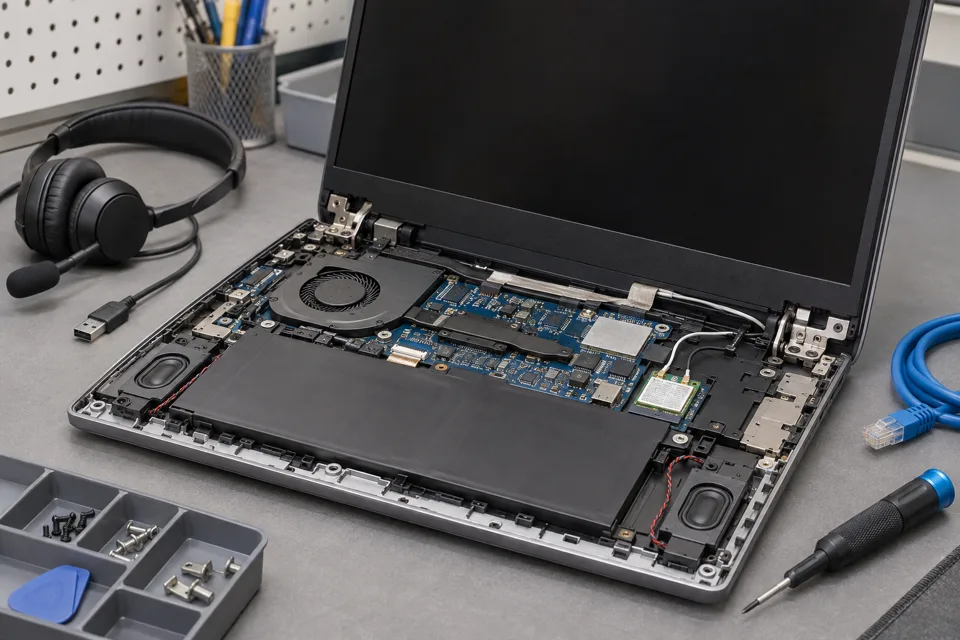
What this symptom can mean
Windows can generate a battery report using powercfg /batteryreport. It records information supplied by the battery and system, including estimated capacities and usage history. Design capacity and full-charge capacity describe energy estimates; they are not the percentage currently shown beside the taskbar battery icon.
Full-charge capacity is below design capacity
This can support a wear assessment, but the reading still needs context. Some controllers provide incomplete or unusual values, and a single report does not identify every charging or shutdown fault.
Capacity looks reasonable but runtime is short
Workload, brightness, power settings, connected equipment and other faults can change energy use. Compare the actual conditions rather than replacing a battery from one number alone.
Safe checks before service
- On a stable Windows laptop, use the built-in powercfg /batteryreport command and open the saved HTML location shown by Windows. Do not download a third-party “battery repair” utility.
- Read the report date and recent usage alongside the installed-battery capacity fields. Keep computer identifiers and detailed usage history private.
- Record normal workload, brightness, charger and accessories when describing poor runtime. Comparing a video-editing session with an idle estimate is not a controlled comparison.
- Check the manufacturer’s own diagnostics and supported charging settings before treating a capacity estimate as the complete diagnosis.
Avoid repeated empty-to-full cycles, heat exposure or unapproved calibration routines. A battery report is an observation tool, not a way to repair degraded cells or prove that an unsafe pack is usable.
What professional diagnosis should separate
- 01
Check the reported evidence
Mashfix can compare report fields, charging behavior and manufacturer diagnostics.
- 02
Separate capacity and consumption
A controlled assessment can consider battery wear, charging limits and the computer’s power use under agreed conditions.
- 03
Define replacement expectations
The service recommendation should explain which symptom is supported by evidence and which remains uncertain. New-battery runtime still depends on the device and workload.
Use the report to ask a better service question
For a DFW battery assessment, say whether the concern is reduced runtime, sudden shutdown, failure to charge or a percentage that jumps. These are different acceptance checks. A report that appears healthy should not dismiss a reproducible shutdown symptom.
If comparing capacity, use matching units and identify which battery is being reported on systems with more than one pack. Avoid turning a calculated ratio into a universal replacement threshold; model guidance and actual behavior matter. Ask which safe verification will follow any replacement.
The report can contain system identifiers and activity history. Share only relevant excerpts privately, and back up important work before any wider repair.
Common questions
Answers before you approve a repair
Is full-charge capacity the same as today’s charge percentage?
No. It is an estimate of how much energy the battery can hold when full, not the present charge level.
Can the report guarantee several hours of use?
No. Runtime depends on workload and power draw as well as usable battery capacity.
Need help in DFW? Compare the Dallas shop and Fort Worth shop at Suite 100, or review scheduled home and office visits. We confirm the service path, scope and timing before booking.
Product guidance and references
These technical resources explain the referenced behavior. Your device and situation still need their own assessment.