Business IT diagnostic guide
Windows IP Address Conflict: Find the Duplicate First
Published by MASHFiX Computer Repair and Data Recovery ·
A Windows address-conflict warning needs an allocation check. Avoid guessed static addresses and disruptive office-router resets.
Save work, capture the complete warning and tell the office network administrator. Note whether the problem began when another computer, printer or replacement router joined the network.
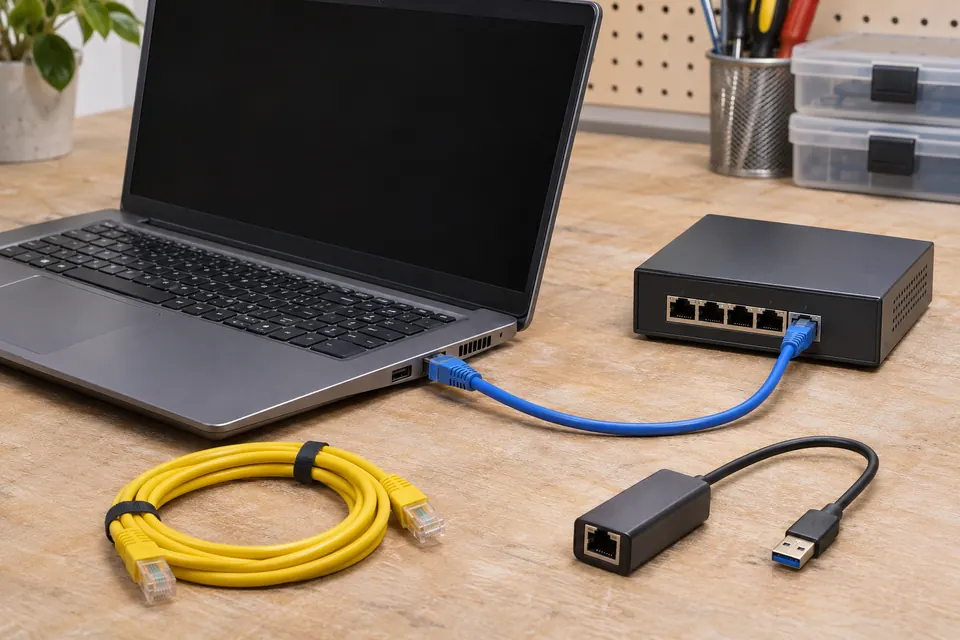
What this symptom can mean
Each device needs a usable address on its local network. A manually assigned address that overlaps an automatic DHCP allocation can create a conflict. However, Windows conflict detection can also react to certain network-device probes. A warning alone does not identify the other device, prove a faulty network card or establish that the router should be reset.
Connectivity alternates between two devices
Record which devices lose access and when. A repeated address may be involved, but cable faults and other connectivity problems still need to be excluded.
The warning appears during connection or startup
DHCP leases, reservations and conflict-detection events need comparison. Microsoft documents a specific case where network-device tracking probes cause Windows to decline an offered address.
Safe checks before service
- Record the affected computer name, connection type, warning text and time without sharing network details publicly.
- Ask whether the device is supposed to use DHCP or a documented static address.
- Identify recent changes to printers, routers, switches, virtual machines or reserved addresses.
- Keep the existing configuration available for an authorized technician rather than overwriting it.
Do not choose an unused-looking address by guesswork, factory-reset the office router or disable duplicate-address detection to hide the warning. Do not reboot shared network equipment during business work without coordination; phones, printing and other users may depend on it.
What professional diagnosis should separate
- 01
Confirm the collision or detection event
Compare client configuration, relevant network logs and actual address ownership instead of assuming two visible DNS names prove a live collision.
- 02
Correct allocation deliberately
Review the DHCP scope, reservations and documented static devices. Test the affected computer and the other identified endpoint after an approved correction.
Why a quick workaround can leave an office problem
Changing one computer’s address can seem to restore internet access while breaking access controls, printer destinations or software tied to the old configuration. The useful repair records what was wrong and brings allocation back into the office’s documented plan. A brief successful web page load is only one check.
An address conflict is also different from a whole office losing its internet service. Tell Mashfix whether shared folders and local printers remain available, whether other users are affected and whether the issue follows one computer between Ethernet and Wi-Fi.
An onsite request with useful evidence
Mashfix can review an authorized office-network problem and propose a defined troubleshooting scope. Include the service address, affected users and operational impact. Administrative changes require the business’s permission and access arrangements; do not send router passwords or a complete internal network map through a public form.
A network correction should not require deleting business files. Save open work and plan any interruption to shared applications before changing connections or restarting managed devices.
Common questions
Answers before you approve a repair
Should I give the PC a different static IP immediately?
No. First establish the approved addressing scheme and the cause, or the new address may conflict with another device or break office services.
Does an IP-conflict warning prove a physical network-card fault?
No. Address allocation or detection behavior can cause it; the warning must be interpreted with network evidence.
Need help in DFW? Compare the Dallas shop and Fort Worth shop at Suite 100, or review scheduled home and office visits. We confirm the service path, scope and timing before booking.
Product guidance and references
These technical resources explain the referenced behavior. Your device and situation still need their own assessment.