Gaming PC diagnostic guide
Gaming PC Coil Whine or Fan Noise: What to Record
Published by MASHFiX Computer Repair and Data Recovery ·
A high-pitched gaming-PC sound may be electrical coil noise or something else. Record the workload and warning signs before replacing parts.
Stop the session if there is a burning smell, smoke, sparking, unexpected shutdown or unusual heat. Otherwise, record a short sound sample from outside the closed case and note the game, scene and performance settings.
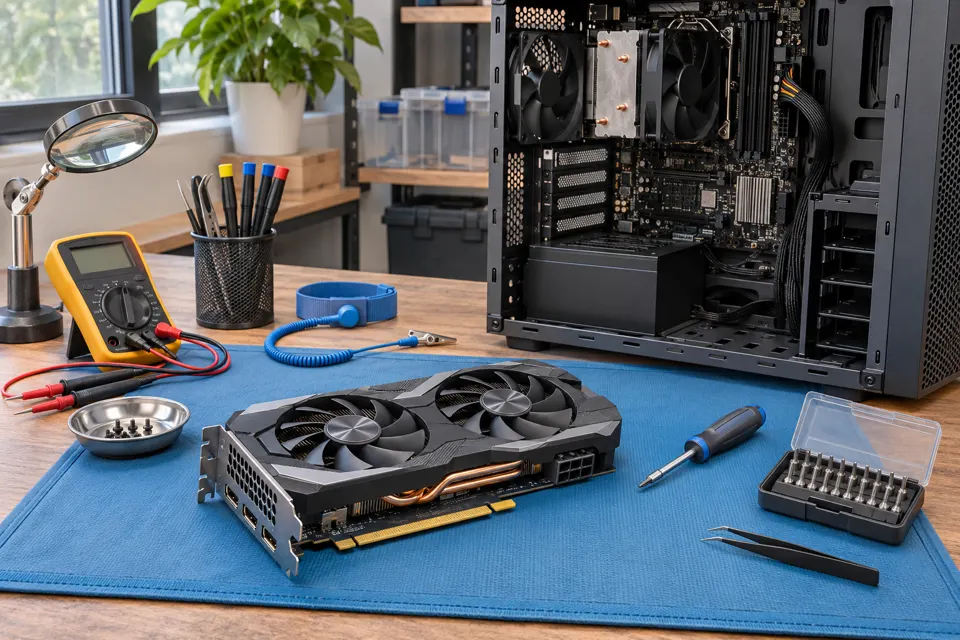
What this symptom can mean
Coil whine is a high-frequency vibration associated with electrical components under changing load. ASUS describes this phenomenon in graphics cards and distinguishes it from a hardware fault by itself. That explanation does not identify every computer noise: fans, pumps, cables contacting blades and failing components can sound different, and an actual recording still needs context.
Pitch changes immediately between a menu and gameplay
Load-related electrical noise is one possibility. Record whether the frame rate or rendering load changes at the same moment rather than assuming the fan speed changed equally quickly.
The sound rattles, scrapes or pulses mechanically
A fan, cable contact, mounting or another moving part needs consideration. This is a different assessment from deciding whether an electrically generated tone is acceptable.
Safe checks before service
- Note whether the noise is new and whether it happens at idle, in one game or across normal workloads.
- If the system is otherwise stable, compare the same scene with the game’s supported frame-rate limit enabled; record any sound change without increasing voltage or clocks.
- Check externally that vents are clear and the case is standing securely.
- Describe associated artifacts, crashes or shutdowns separately instead of calling all symptoms coil whine.
Do not open the power supply, put a tool into a running fan or touch live components to locate the noise. Do not apply glue to components or buy a replacement GPU solely from an online sound comparison. Avoid prolonged stress tests when instability or electrical warning signs are present.
What professional diagnosis should separate
- 01
Locate the source safely
A controlled inspection distinguishes GPU-area electrical noise, PSU noise and mechanical cooling sounds without asking the owner to probe powered hardware.
- 02
Compare sound with operating behavior
Check normal load, cooling and stability. Any agreed repair or replacement should address the identified issue rather than promise that all high-frequency sound can be eliminated.
Noise and failure are separate questions
A stable computer can have an audible electrical tone, while a quiet computer can still have a fault. The important distinction is whether the sound accompanies unsafe conditions or a reproducible functional problem. A manufacturer may also have its own support criteria for objectionable noise; this page does not decide warranty eligibility.
A frame-rate limit changing the sound is useful evidence, not proof that a particular component is defective. Keep the original game settings noted so comparisons are meaningful, and stop if the system behaves abnormally.
What to bring to a gaming-PC assessment
Mashfix can evaluate the reported noise and any separate instability within an agreed diagnostic scope. Provide the component list, when the sound began, recent upgrades and a short recording. The diagnostic result may be advice, mechanical service, further power or graphics testing, or a discussion of manufacturer support. No universal replacement or silent-operation guarantee is implied.
Save current work and maintain an independent backup before troubleshooting an unstable system. A noise investigation does not by itself require reinstalling Windows or erasing game and personal files.
Common questions
Answers before you approve a repair
Does coil whine alone prove that the GPU is failing?
No. A load-related electrical tone can occur without a functional fault. Other warning signs and the actual source still need assessment.
Should I stop a fan with my finger to identify the noise?
No. Keep hands and tools away from moving fans and powered components.
Need help in DFW? Compare the Dallas shop and Fort Worth shop at Suite 100, or review scheduled home and office visits. We confirm the service path, scope and timing before booking.
Product guidance and references
These technical resources explain the referenced behavior. Your device and situation still need their own assessment.