Desktop power diagnostic guide
PC Power Supply Clicking: One Relay Click or a Fault?
Published by MASHFiX Computer Repair and Data Recovery ·
A single startup click and repeated loud clicking need different responses. Describe the sound and system behavior before replacing the power supply.
If there is smoke, a burning smell, visible cable damage or repeated loud clicking with failed starts, stop using the PC and disconnect mains power when safe. Do not keep reproducing an electrical fault.
What this symptom can mean
Some power supplies have a relay that clicks at startup or shutdown. Fan movement, vibration and other components can also make noise near the PSU. A recording can document timing, but sound alone cannot establish electrical health or identify an internal part.
One click at normal startup
Compare the behavior with the exact PSU documentation. A normal relay sound does not certify every component as healthy.
Repeated clicking and cycling
Protection behavior, connected load or another fault needs evaluation. Avoid repeated power attempts.
High-pitched sound only under load
This differs from a relay click. Record the workload, location and whether instability accompanies it; do not diagnose all noises as coil whine.
Safe checks before service
- Record the PSU model, recent component changes and the timing of the sound.
- Observe from outside the case; never insert an object into a powered fan.
- With power disconnected, look only for externally visible damaged wiring without opening the PSU.
- Check existing manufacturer support or warranty eligibility before approving replacement.
Never open a PSU enclosure, bridge connectors to diagnose a noisy unit or reuse modular cables from another model without verified compatibility. Capacitors can remain hazardous after unplugging.
What professional diagnosis should separate
- 01
Identify the actual source
Mashfix can distinguish fan or case vibration from noise associated with power events.
- 02
Compare the system state
Recent upgrades, shutdowns and controlled electrical tests guide diagnosis; CPU temperature alone cannot clear the PSU.
- 03
Plan compatible replacement
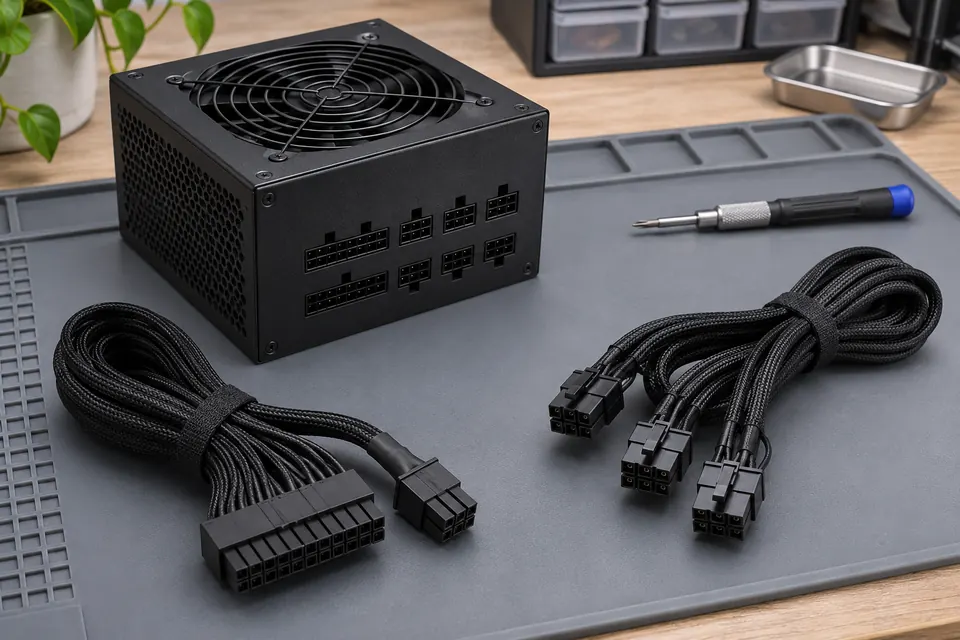
If replacement is justified, the quote should address capacity, connectors and the supplied compatible cable set.
Useful evidence beats repeated stress tests
A system that idles normally but fails in games is not proven to have a bad PSU. Equally, passing one workload is not a universal health certificate. Keep a simple record of the workload actually run, duration and observed result, rather than reporting that every test passed when some tests were never started.
Mashfix can evaluate desktop power problems at an existing DFW shop. Bring the complete tower and identify recent GPU, motherboard or cable changes. The expected outcome is a documented repair path, not an unsupported diagnosis from a noise clip. Repairing a computer is separate from work on building wiring; unsafe outlets need appropriate electrical service.
Unexpected power loss can interrupt writes. Preserve a backup before permitted testing, and do not continue running a system with electrical warning signs just to copy everything.
Common questions
Answers before you approve a repair
Is a single click automatically a defective PSU?
No. Some models use an audible relay. Check the model guidance and accompanying behavior.
Can I open it after leaving it unplugged?
Do not open the PSU as a home diagnostic step. Use appropriate manufacturer or professional support.
Need help in DFW? Compare the Dallas shop and Fort Worth shop at Suite 100, or review scheduled home and office visits. We confirm the service path, scope and timing before booking.
Product guidance and references
These technical resources explain the referenced behavior. Your device and situation still need their own assessment.