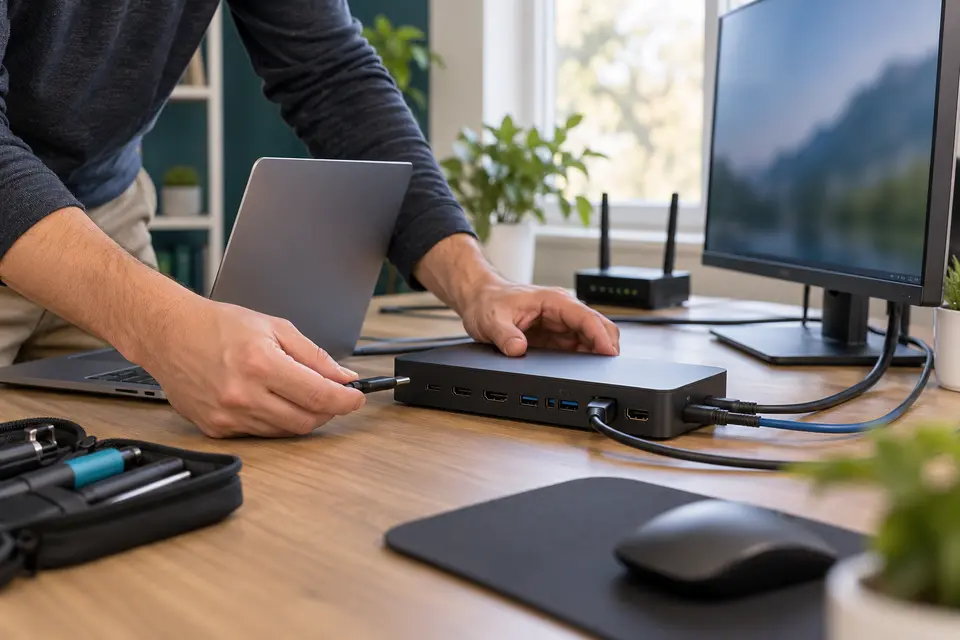
Request scheduled computer support for your Cleburne home or business. Share the full address, equipment and symptoms so Mashfix can confirm travel availability and whether the work is suitable for an onsite appointment.
A+ certified technicians · One-time visits · Clear approval before paid work
Support where your technology works.
At home
Plan the visit around a clear problem.
Tell us whether the computer starts, which task fails and what changed recently. Photos of visible errors can help explain the issue, but avoid including private documents or account information in your request.
For a business with several workstation or printer issues, prepare a short list of equipment and priorities. We review the planned tasks, required access and scheduling options before confirming a technician visit.
Is every Cleburne request accepted as an onsite appointment?
No. Availability and the service route depend on the address, requested work and technician schedule. Mashfix confirms travel arrangements and charges before booking. Internal hardware repair, liquid damage or advanced recovery may need an agreed repair-location intake instead.
Can you visit my home or business in Cleburne?
Yes. Request scheduled support at your Cleburne address. Include the equipment, symptoms and access details. Mashfix confirms the appointment, service scope and any visit charges before booking; the online request does not reserve a time.
Which repairs need a workshop?
Computer setup, printer connections and everyday Wi-Fi troubleshooting can often be assessed where the equipment is used. Internal hardware work, microsoldering, liquid-damage treatment and advanced data recovery may need specialist bench equipment. We explain the repair route before moving a device or starting additional work.
Where should Cleburne customers bring repairs that need the bench?
Use Mashfix Euless at 1001 W Euless Blvd, Suite 417, Euless, TX 76040. Call 945-335-7894 before traveling with equipment or model-specific repair needs. The service areas listed on this page do not represent additional storefronts.
Do I need a monthly plan for office support?
No. Request a one-time business visit, or discuss optional monthly Business Care. We confirm supported equipment, access, scope and fees before work. Your existing IT provider or authorized business contact must approve changes to systems they manage.