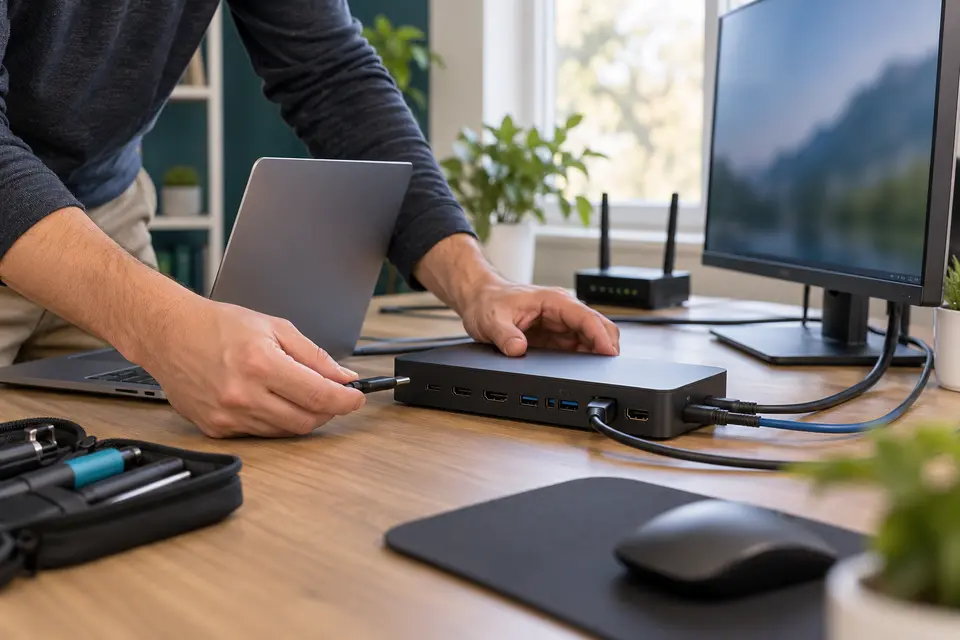
Arrange onsite support for your Hurst computer setup, including external displays, docks and printers. We review the connected equipment and symptoms before confirming whether a visit or bench diagnostics fits the problem.
A+ certified technicians · One-time visits · Clear approval before paid work
Support where your technology works.
At home
Get a dependable home-office display.
If a screen goes blank after sleep or works only when connected directly, explain that pattern. Keep the usual dock, charger and display cables available rather than replacing several accessories at once.
When one office workstation loses its display or peripherals, note whether moving the laptop changes the fault. We can compare supported connections and discuss next steps with your business or IT contact.
Is a blank external monitor in Hurst always a broken screen?
No. The cable, adapter, dock, power supply or computer configuration can also be involved. Share which screens still work and when the display disappears. Physical panel damage and internal hardware faults may require a separate repair-location evaluation.
Can you visit my home or business in Hurst?
Yes. Request scheduled support at your Hurst address. Include the equipment, symptoms and access details. Mashfix confirms the appointment, service scope and any visit charges before booking; the online request does not reserve a time.
Which repairs need a workshop?
Computer setup, printer connections and everyday Wi-Fi troubleshooting can often be assessed where the equipment is used. Internal hardware work, microsoldering, liquid-damage treatment and advanced data recovery may need specialist bench equipment. We explain the repair route before moving a device or starting additional work.
Where should Hurst customers bring repairs that need the bench?
Use Mashfix Euless at 1001 W Euless Blvd, Suite 417, Euless, TX 76040. Call 945-335-7894 before traveling with equipment or model-specific repair needs. The service areas listed on this page do not represent additional storefronts.
Do I need a monthly plan for office support?
No. Request a one-time business visit, or discuss optional monthly Business Care. We confirm supported equipment, access, scope and fees before work. Your existing IT provider or authorized business contact must approve changes to systems they manage.